

Blog
Best networking switches for small offices (PoE explained)

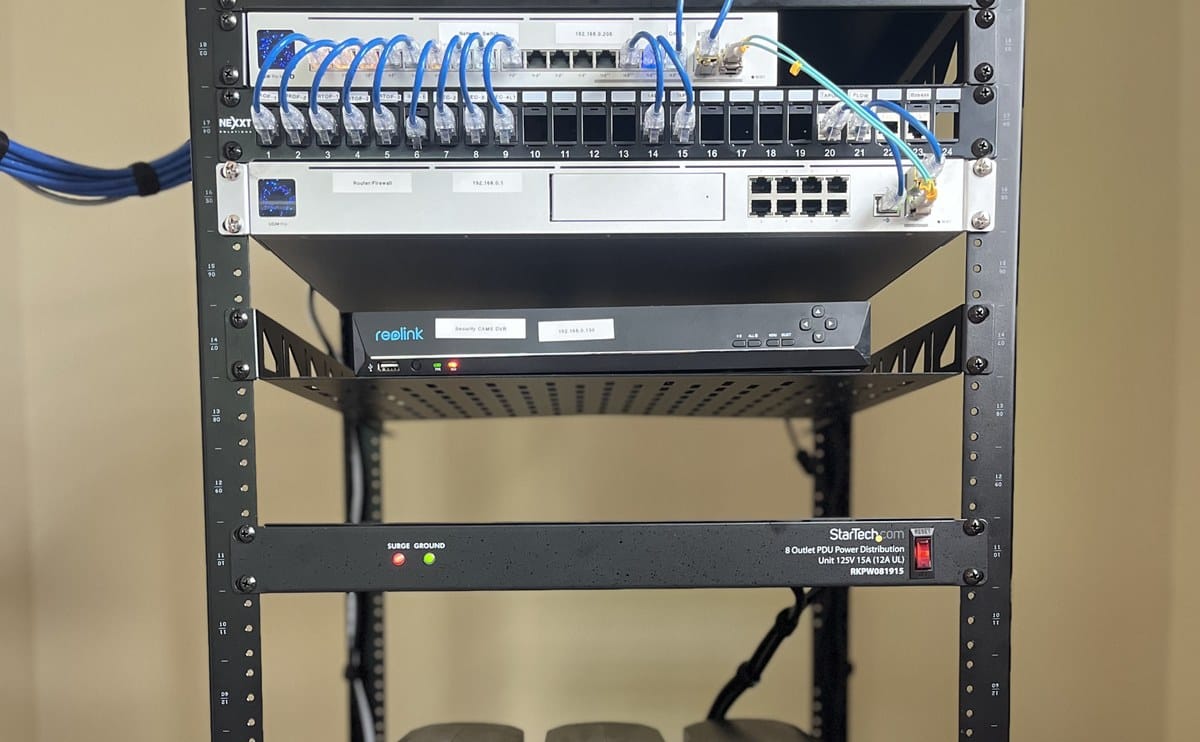
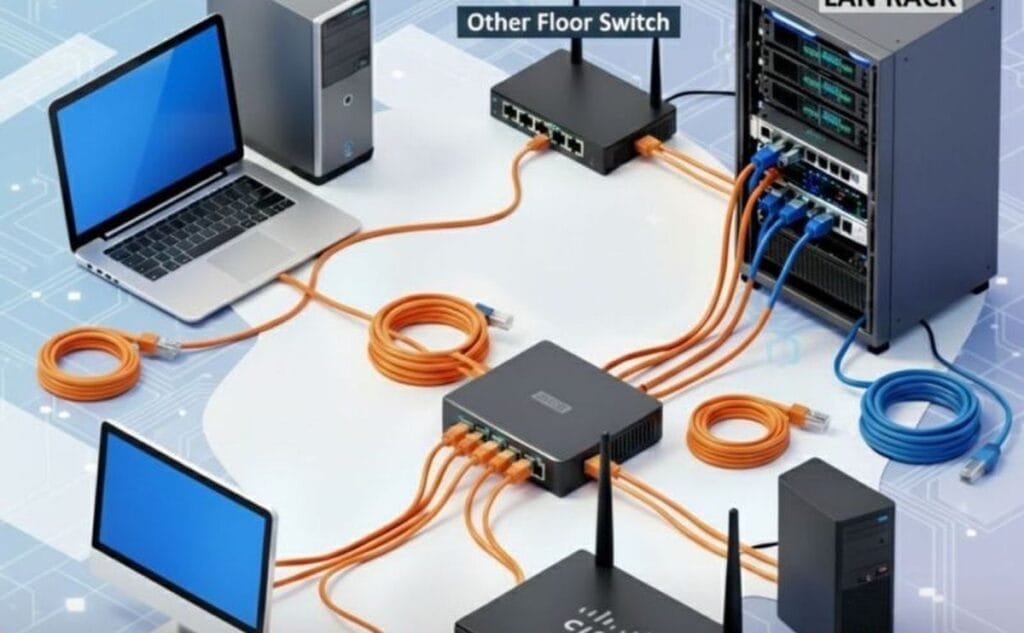
A switch is the quiet box that lets desks, printers, access points, and cameras share a wired network. Wifi alone is not enough once you grow past a few devices or care about stable CCTV and VoIP. The wrong switch shows up as dropped cameras, choppy calls, and mysterious slow shares.
This article explains unmanaged vs managed switches and what PoE actually does — so you do not buy eight ports when you need sixteen with power budget to spare.
PoE means the switch can power compatible devices over the Ethernet cable — access points, IP phones, and many IP cameras. You still need enough total PoE watt budget for everything plugged in. Port count without watt budget is how offices end up with cameras that randomly drop when a new access point is added on a Friday afternoon.
Unmanaged switches are plug-and-play. Fine for a simple office LAN where everyone trusts the same network. Managed switches add VLANs, monitoring, and tighter control — useful when you separate guest wifi, CCTV, and staff traffic. For most SMEs starting out, an unmanaged or smart-managed Gigabit switch is enough. See current options under networking switches and grow into managed gear when your IT needs catch up.
Count ports for today plus growth: PCs, printers, APs, phones, NVR, and uplink to the router. Gigabit (1000Mbps) should be the default on new buys. Fast Ethernet leftovers create bottlenecks you will feel on file shares and backups. Browse the wider networking category if you are building the whole stack — router, switch, and wifi should be planned together, not bought as orphaned gadgets.

Popular office brands include TP-Link, D-Link, Cisco, and Ubiquiti depending on budget and who manages the network. Manufacturer references such as tp-link.com and cisco.com help you compare feature tiers; buy what matches local support and your installer’s skill set. A fancy managed switch that nobody configures is wasted money.
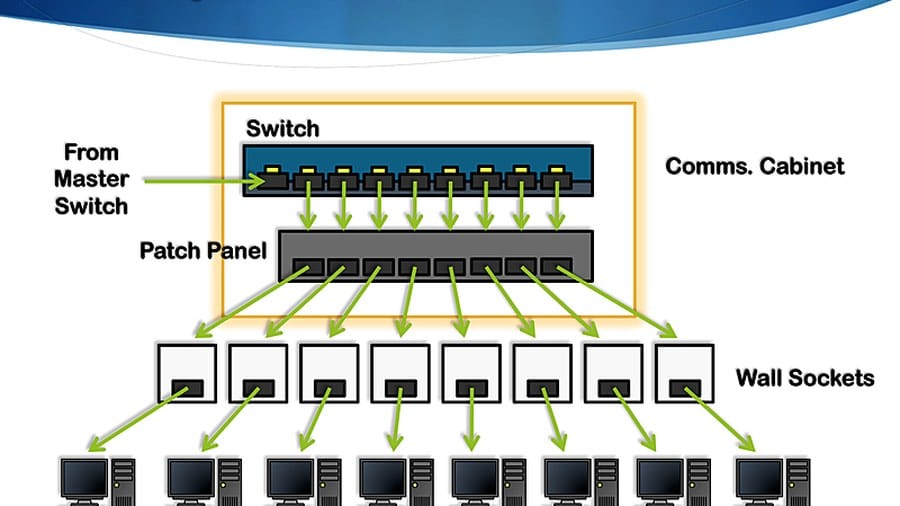
Place the switch in a ventilated cabinet, label ports, and use a UPS if the switch feeds phones or cameras. Daisy-chaining cheap switches indefinitely creates messy loops and hard-to-find faults — plan a simple star from a core switch where possible. Keep spare patch leads and note which port feeds which room; that documentation saves hours when something fails after hours. If you run both CCTV and office PCs on one switch, consider VLANs later so a busy camera stream does not fight with file shares on the same broadcast domain.
Networking switches for small offices
OEM SH3R Hotel Switch 30A Any-Card Power Controller
Original price was: KSh 2,300.00.KSh 1,800.00Current price is: KSh 1,800.00. ex VAT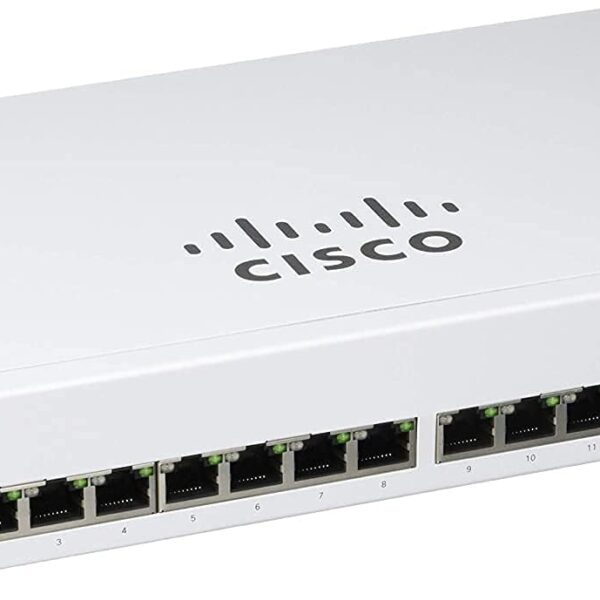
Cisco Business CBS110-16T-UK 16-Port Gigabit Unmanaged Switch
Original price was: KSh 45,000.00.KSh 36,000.00Current price is: KSh 36,000.00. ex VAT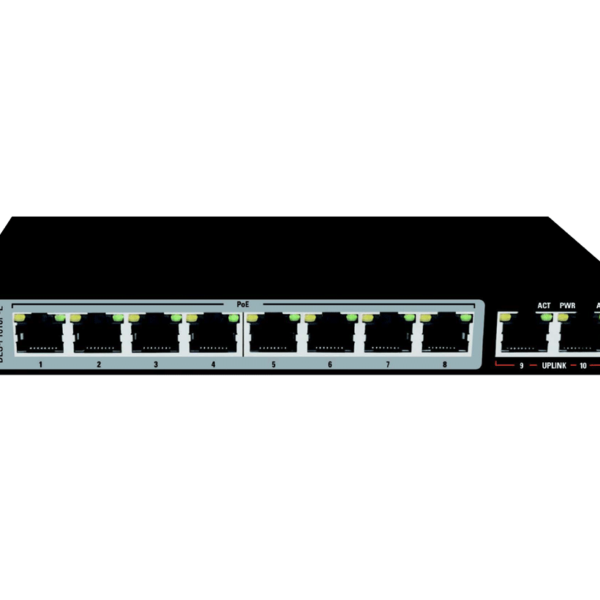
D-Link DES-F1010P-E 10-Port 10/100 Long Range PoE Switch
Original price was: KSh 10,000.00.KSh 8,000.00Current price is: KSh 8,000.00. ex VAT
TP-Link Omada ES228GMP 28-Port Gigabit PoE+ Smart Switch
Original price was: KSh 46,500.00.KSh 37,200.00Current price is: KSh 37,200.00. ex VAT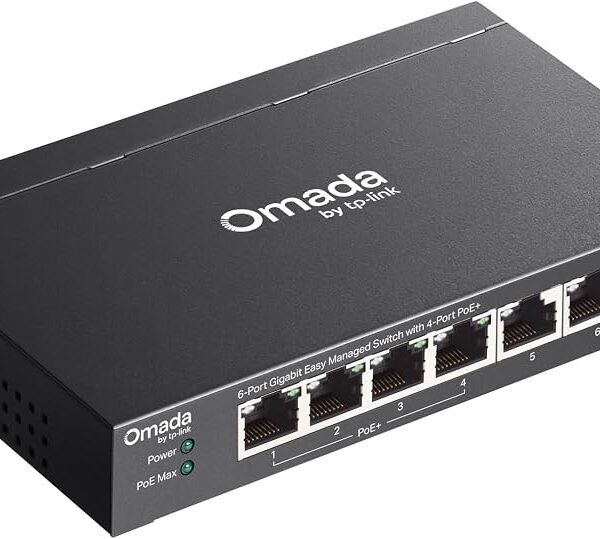
TP-Link Omada ES206GP 6-Port Gigabit PoE+ Managed Switch
Original price was: KSh 9,000.00.KSh 7,200.00Current price is: KSh 7,200.00. ex VATList devices, decide if you need PoE and how many watts, choose Gigabit ports with headroom, and only pay for managed features you will actually configure. Keep spare port capacity for the next hire, camera, or access point so you are not ripping out the switch every six months. A short site survey with a device count beats guessing from a sales flyer.
Shop networking switches and related gear under networking at Litmus Kenya. Share your device count and whether you run PoE cameras or APs — we will point you to a sensible switch.





















PoE explanation was clean. Cameras + APs on one switch — that’s our setup.
Check total PoE budget though. We maxed a cheap switch 😅
Managed vs unmanaged for 15 users — managed worth it?
If you VLANs or guest WiFi, yes. Otherwise unmanaged is fine.