

Blog
Build a complete home office kit in Kenya

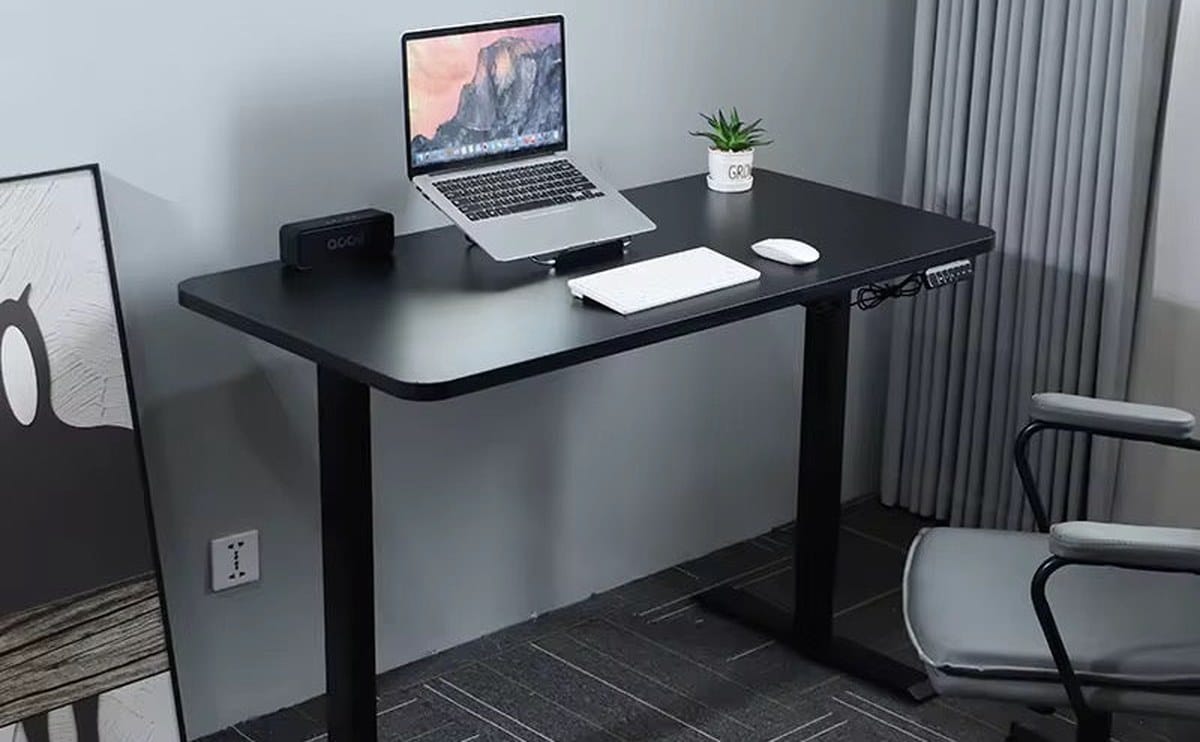
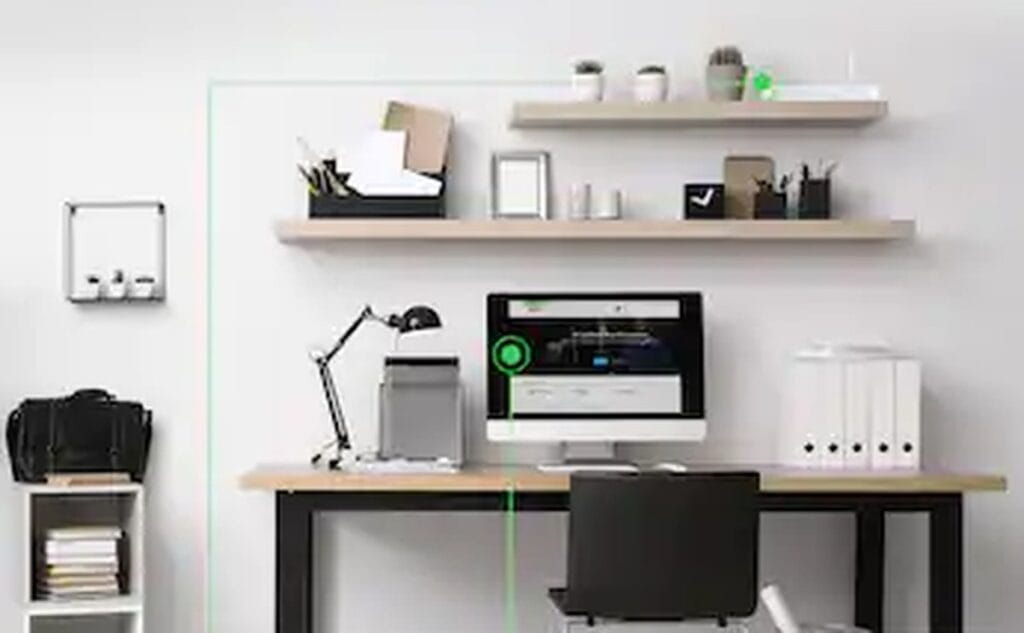
A home office that “almost works” wastes mornings. You need a capable laptop, power protection for outages, clear audio for calls, and a few cables that do not fail mid-demo. Buy the kit as a system so you are not patching gaps every week with another trip to town.
Begin with laptops, then add UPS and accessories so the desk survives real Kenyan power cuts and back-to-back meeting schedules.
The laptop is the engine. The UPS keeps the engine online when the estate goes dark. Headphones and a solid HDMI or dock keep client calls and second screens from becoming weekly drama.
Laptop priorities for most knowledge work: comfortable keyboard, at least 16GB RAM if you keep many browser tabs and Office apps open, and an SSD for snappy boot. Screen size of 14–15 inches balances portability and spreadsheet space. Brands such as Dell, HP, and others in our laptop aisle cover SME budgets—pick warranty support you can actually use in Kenya. If you design or edit video, step up GPU and screen quality; if you only do email and ERP, do not overspend on gaming specs you will never use at the dining table.
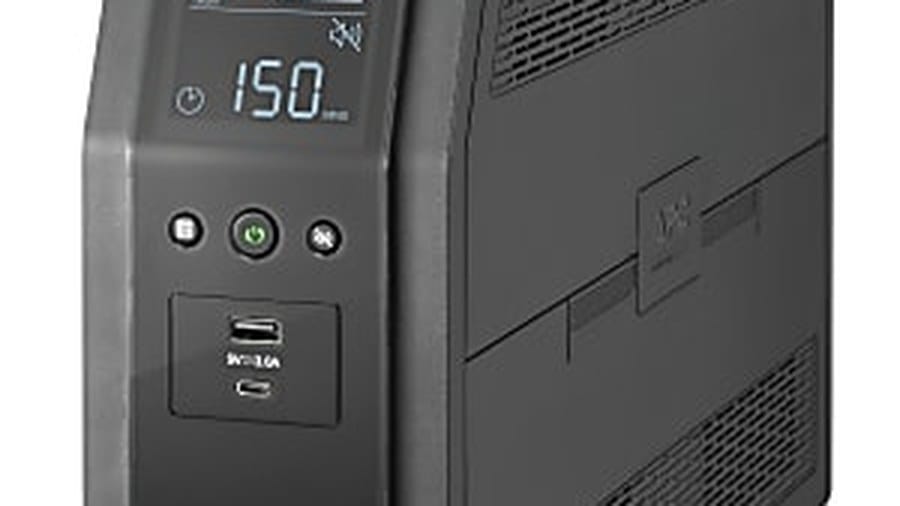
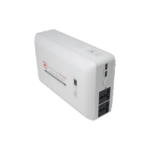
Power cuts kill unsaved work and drop VPN sessions. A properly sized APC or similar UPS for the laptop brick, router, and maybe a monitor buys minutes to save and shut down—or longer runtime if you size up. Plug the fibre ONT/router into the UPS too; a charged laptop with dead internet still cannot join the call. Avoid plugging laser printers into small UPS units—they surge and trip them. Test the UPS once after install by pulling the wall plug so you know the runtime in your home, not only on the box.
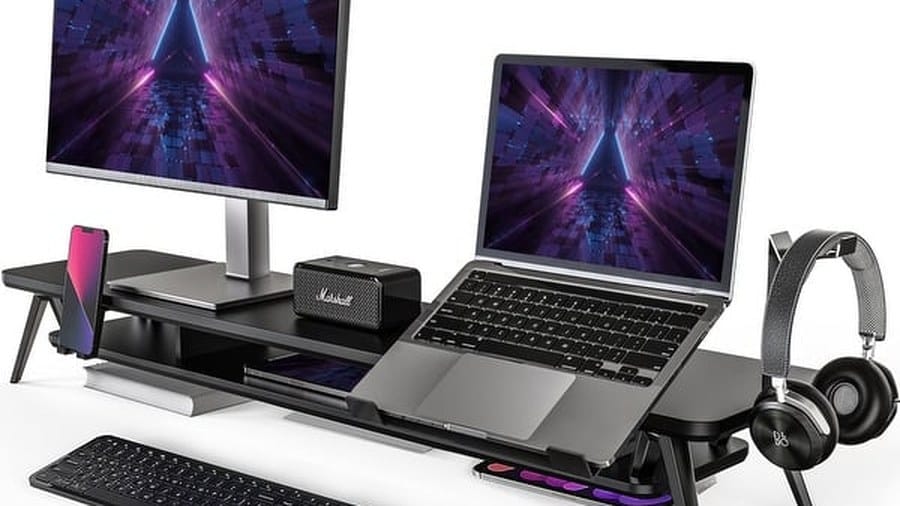
Audio decides whether clients take you seriously. A wired or wireless headset with a clear mic beats laptop speakers in echoey apartments and shared houses. Browse headphones and related gear under accessories, including options from Logitech for call-heavy roles. Add a simple webcam only if your laptop camera is weak; many built-in cameras are fine with decent light facing a window or a desk lamp instead of a bright window behind your head.
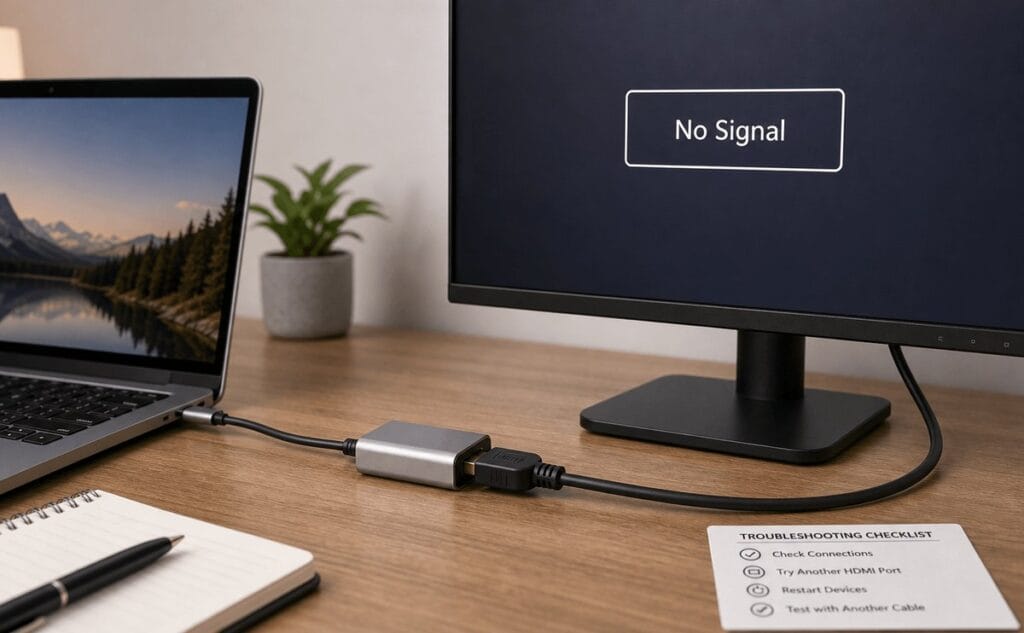
Close the kit with practical accessories: a spare charger if you move between rooms, an HDMI cable or USB-C hub for TV or monitor presentations, and a mouse if you work long hours. Vention cables and docks cover many of those gaps. Optional extras: external SSD for project backups, and a monitor if you are desk-bound five days a week. Keep cable clutter managed—loose power strips on the floor are how laptops get yanked off tables by kids, cleaners, or a curious pet.
Laptops for home and hybrid work
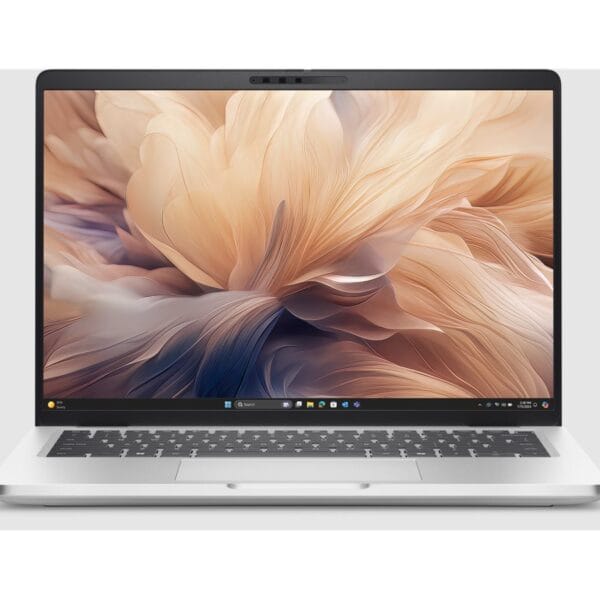
Dell Pro 14 Plus PB14250 Intel Core Ultra 7 16GB 512GB SSD Ubuntu
Original price was: KSh 307,500.00.KSh 246,000.00Current price is: KSh 246,000.00. ex VAT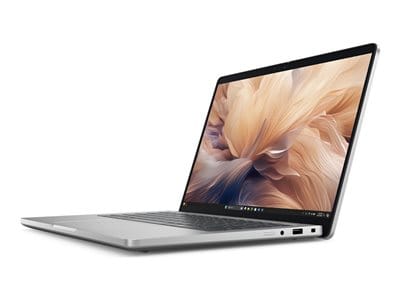
Dell Pro 14 Plus PB14250 Core Ultra 5 235U 16GB 512GB Ubuntu
Original price was: KSh 247,500.00.KSh 198,000.00Current price is: KSh 198,000.00. ex VAT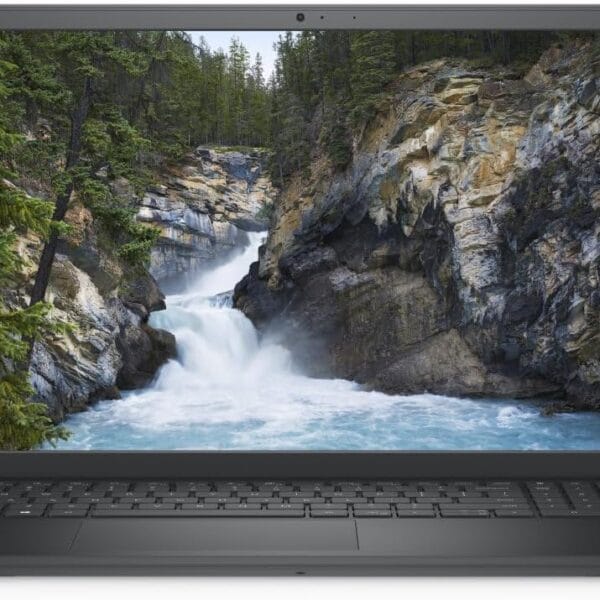
Dell Vostro 3530 Intel Core i7-1355U 8GB 512GB SSD
Original price was: KSh 109,500.00.KSh 87,600.00Current price is: KSh 87,600.00. ex VAT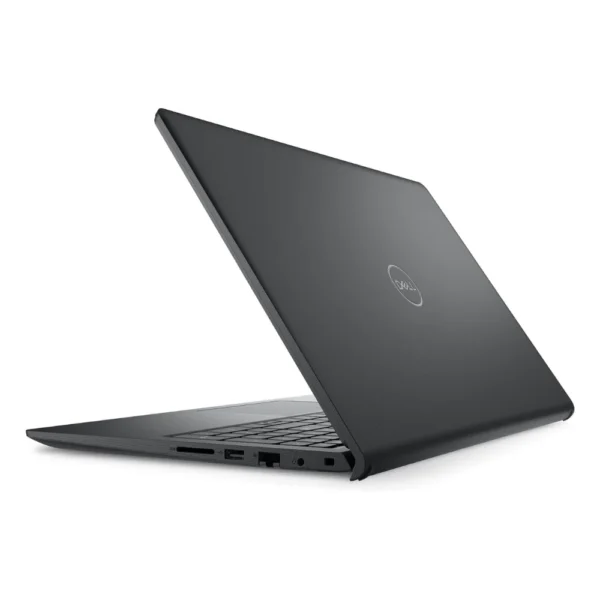
Dell Vostro 3530 Intel Core i3-1305U 8GB RAM 512GB SSD
Original price was: KSh 72,000.00.KSh 57,600.00Current price is: KSh 57,600.00. ex VAT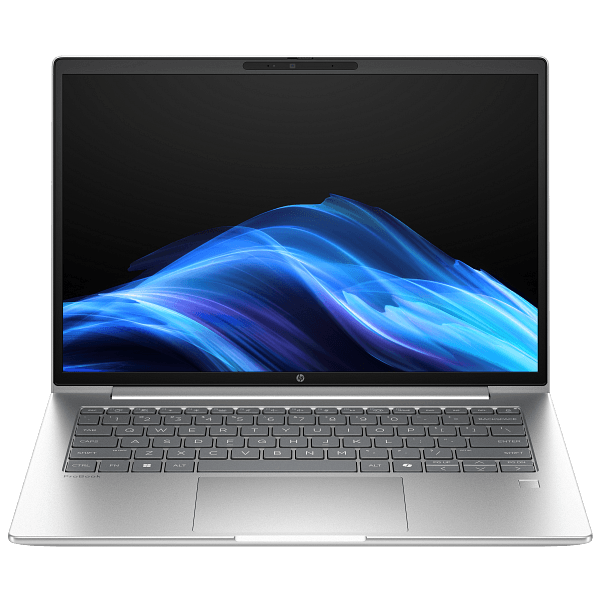
HP ProBook 4 G1iR 14 Intel Core 5 120U 16GB 512GB
Original price was: KSh 157,500.00.KSh 126,000.00Current price is: KSh 126,000.00. ex VATChecklist: laptop sized to your apps, UPS for laptop plus router, headset for calls, and the adapters your ports need. Test a full mock meeting day before an important client session.
Build from laptops, UPS, accessories, and Logitech or Vention add-ons at Litmus Kenya—or ask us to assemble a home-office bundle for your budget.















Chair + monitor + UPS before fancy webcam. Priorities were backwards for me.
Same. Back pain taught me faster than any blog 😂
Kit list is what we send new hires now. Copy-paste almost.
Noise — closed headphones + door habit. Tech alone wasn’t enough.
Facts. Schedule quiet hours with the house too ✍️