

Blog
How to set up a basic office network

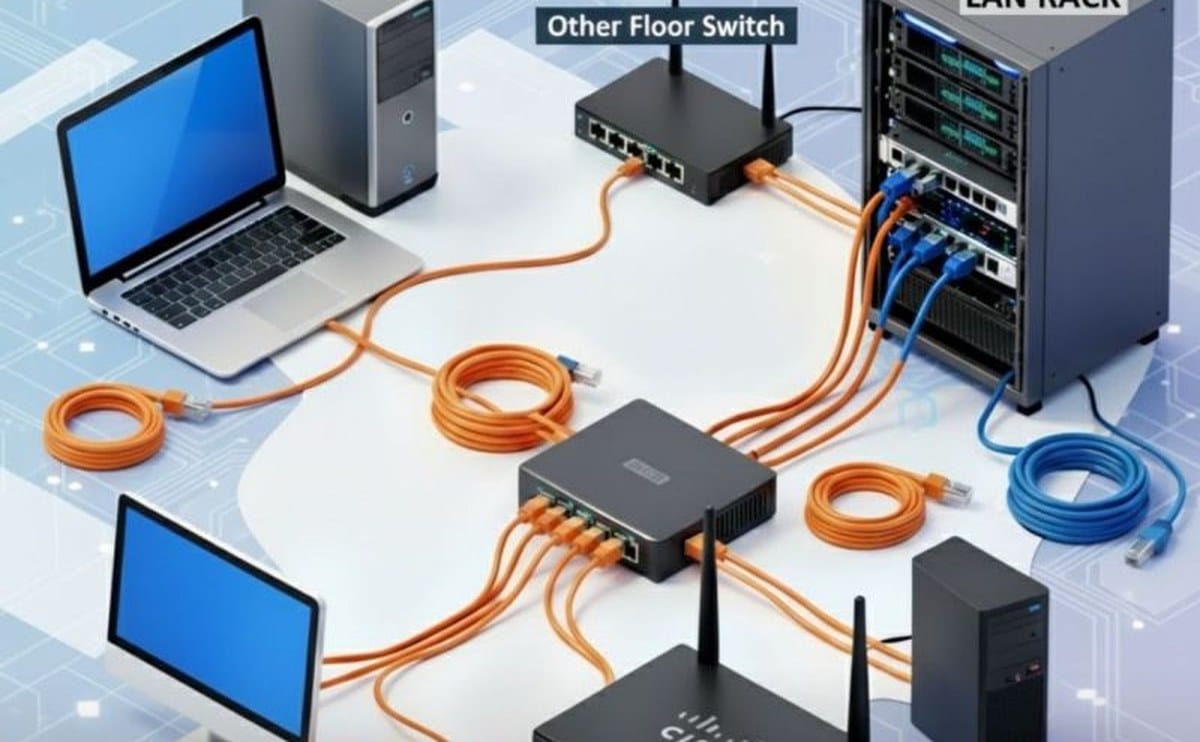
A basic office network does not need enterprise complexity. It needs a clear path from the ISP link to desks, printers, and wifi — with labels and a UPS so the first power cut does not become a crisis.
Use this as a checklist for a small Kenyan office of roughly 5–30 users. Scale the same ideas as you grow: one brain for the network, wired where it matters, wifi where people move.
Think in layers: internet link, router, switch, then wifi radios. Skip a layer and you end up with a mesh of consumer gadgets that nobody can troubleshoot. Cabling and labelling feel boring on day one and invaluable when a printer vanishes from the network on month six.
Start at the wall: ISP modem or fibre ONT, then your primary router. Put the router in a ventilated spot, change the default admin password, and note the WAN settings your ISP gave you. From the router LAN ports, feed a switch if you need more wired ports for PCs and printers. Keep the ISP device in bridge or modem mode when your own router should own DHCP — two DHCP servers on one LAN cause ghost problems.
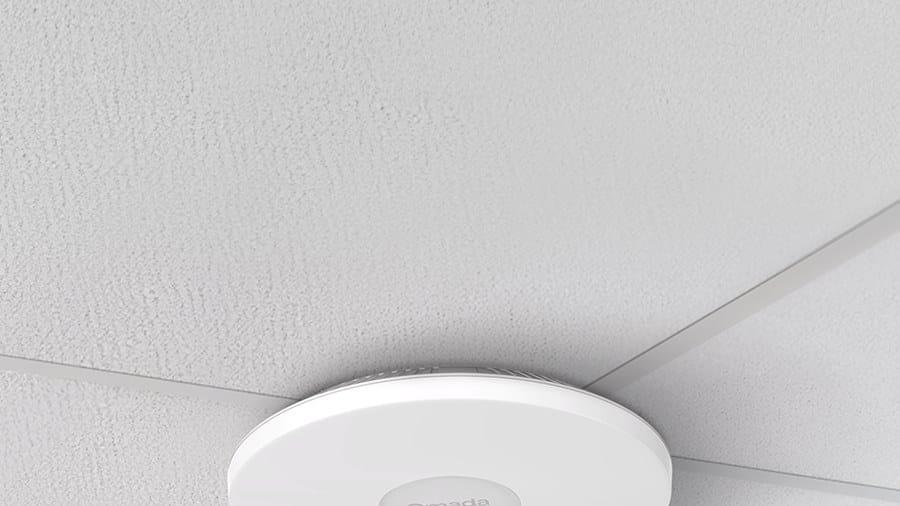
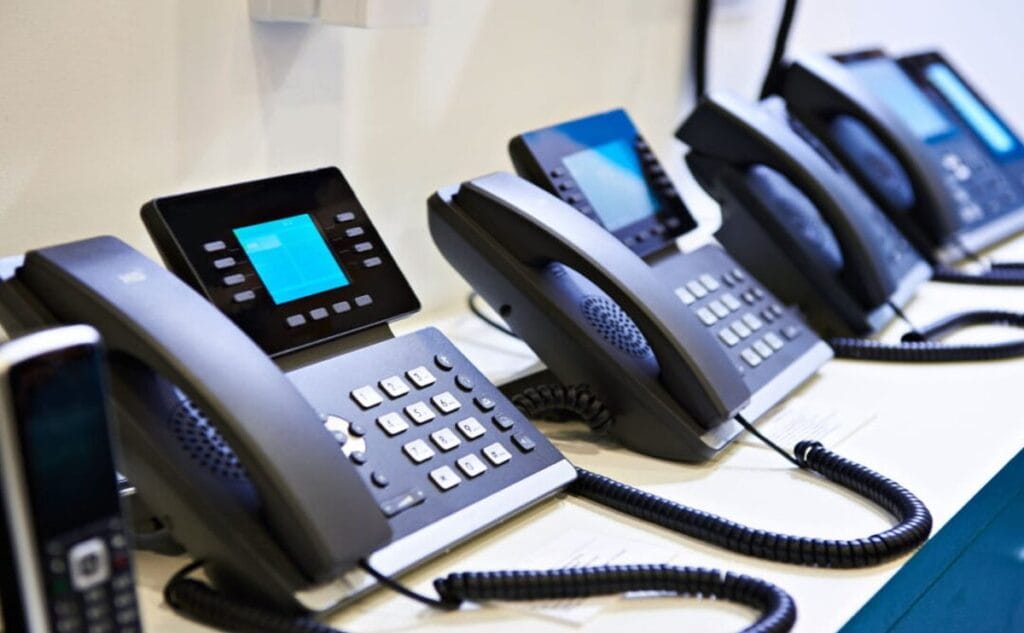
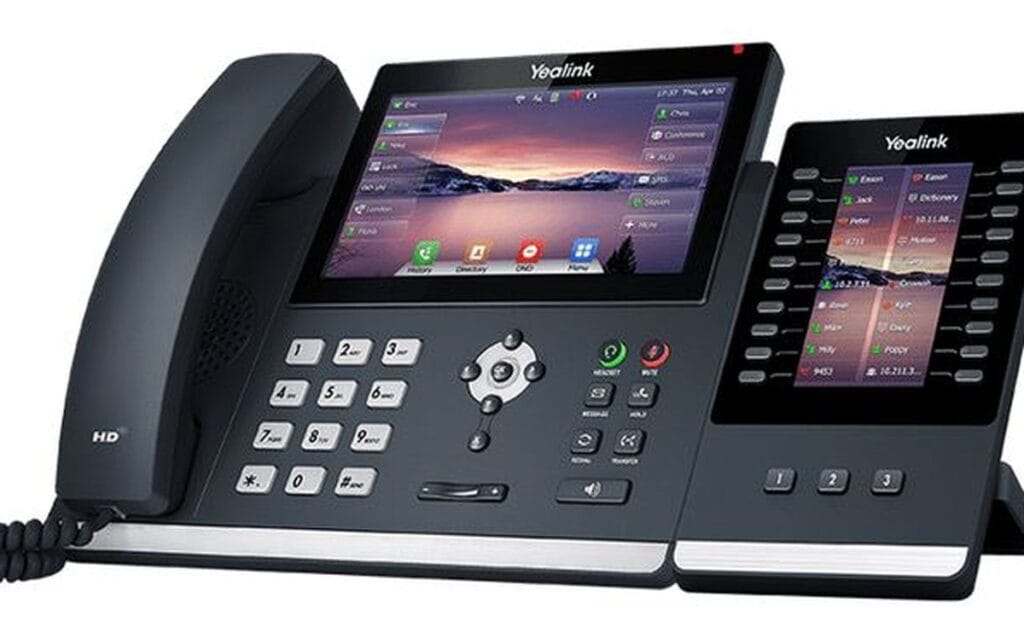
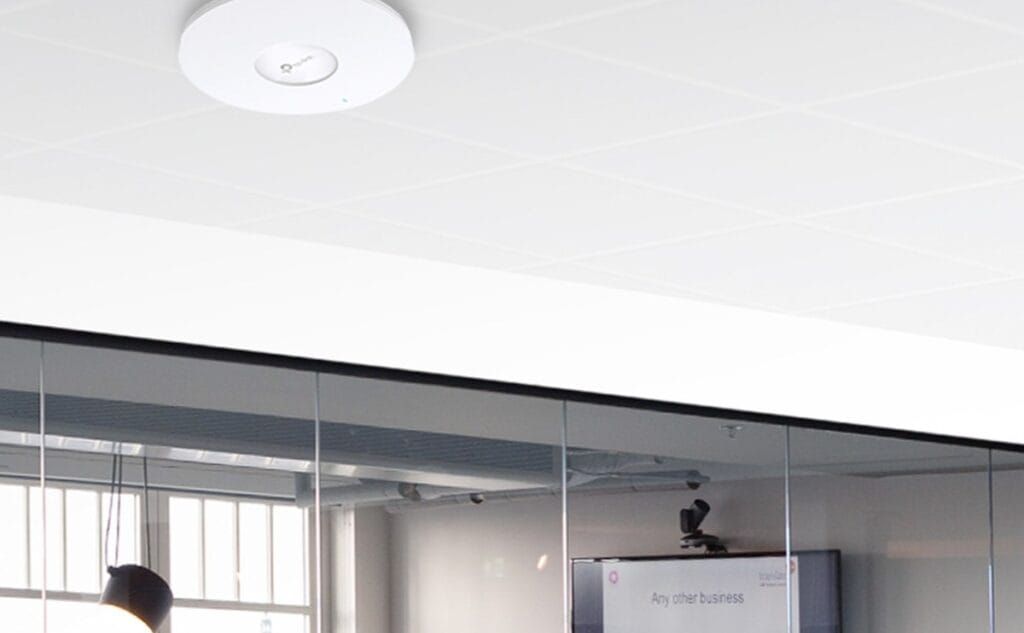
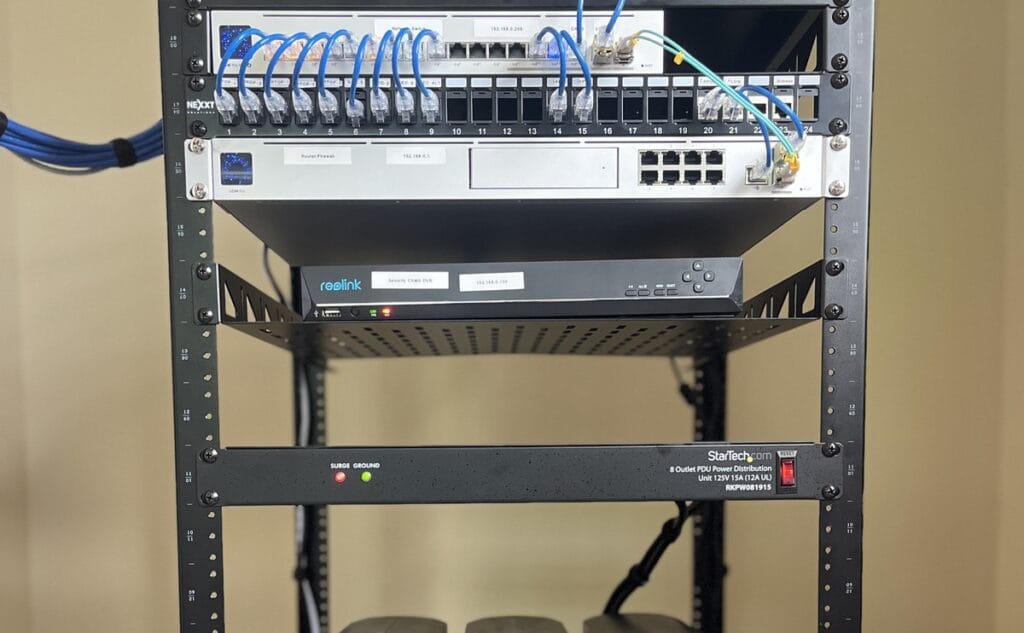
Run Ethernet to fixed desks where you can — file transfers and VoIP stay happier on cable. Use wifi for phones, guests, and flexible seating via access points rather than one overloaded router in a corner. Avoid relying on range extenders as the permanent design if cabling is possible. Patch panels and labelled wall plates look like overkill until you hire your tenth person.

Name devices clearly (Accounts-PC, Reception-Printer). Reserve DHCP or set static IPs for printers, NVRs, and servers so they do not wander after a reboot. Brands such as TP-Link, MikroTik, and Cisco cover different skill levels — see tp-link.com or cisco.com for feature context, then buy what your team can maintain without calling a consultant for every password reset.
Protect the router and switch with a UPS from our UPS range so short outages do not reset the whole LAN. Separate guest wifi if customers connect. Document SSID, admin URL, ISP ticket contacts, and switch port map in one shared note — future you will thank present you when someone is away and the internet dies. Back up router configs if the device supports it; rebuilding from memory after a failed upgrade is painful.
Networking equipment for office setups

Ugreen US128 USB 3.0 A-Male to A-Male Cable 3m Black
Original price was: KSh 800.00.KSh 600.00Current price is: KSh 600.00. ex VAT
Ugreen MU105 Silent Wireless Mouse 2400 DPI Moonlight Gray
Original price was: KSh 1,100.00.KSh 800.00Current price is: KSh 800.00. ex VAT
TP-Link Deco X50 AX3000 Whole Home Mesh Wi-Fi 6 System (3 Pack)
Original price was: KSh 43,900.00.KSh 36,000.00Current price is: KSh 36,000.00. ex VAT
HP 65W Type-C Adapter 1HE08AA USB-C Power Delivery
Original price was: KSh 7,700.00.KSh 6,000.00Current price is: KSh 6,000.00. ex VAT
Kensington Universal 3-in-1 2.0 Combination Laptop Lock, 1.8m Carbon Steel Cable
Original price was: KSh 6,500.00.KSh 5,600.00Current price is: KSh 5,600.00. ex VATOrder of work: secure the router, add a switch for wired growth, place APs for coverage, label everything, and put critical network gear on UPS. Test printing, file share, and internet from the farthest desk before you call the job done. Schedule a quarterly password and firmware check so the network does not quietly go stale. Keep one spare patch cable and a known-good spare AP or switch port plan for the busiest floor.
Build from our networking category — routers, switches, and access points — at Litmus Kenya. Tell us user count and floor size and we will help you pick the pieces.





Cable first, WiFi second. We learned the hard way with 8 staff.
Patch panel tip is gold. Labelling saved us during a move.
UPS on the router/switch rack — small detail, big uptime.
Guest WiFi separate from accounts PCs — we are doing that next week.
Do it. Clients on the same LAN is how ransomware stories start.