

Blog
How to choose a UPS for your office or home setup

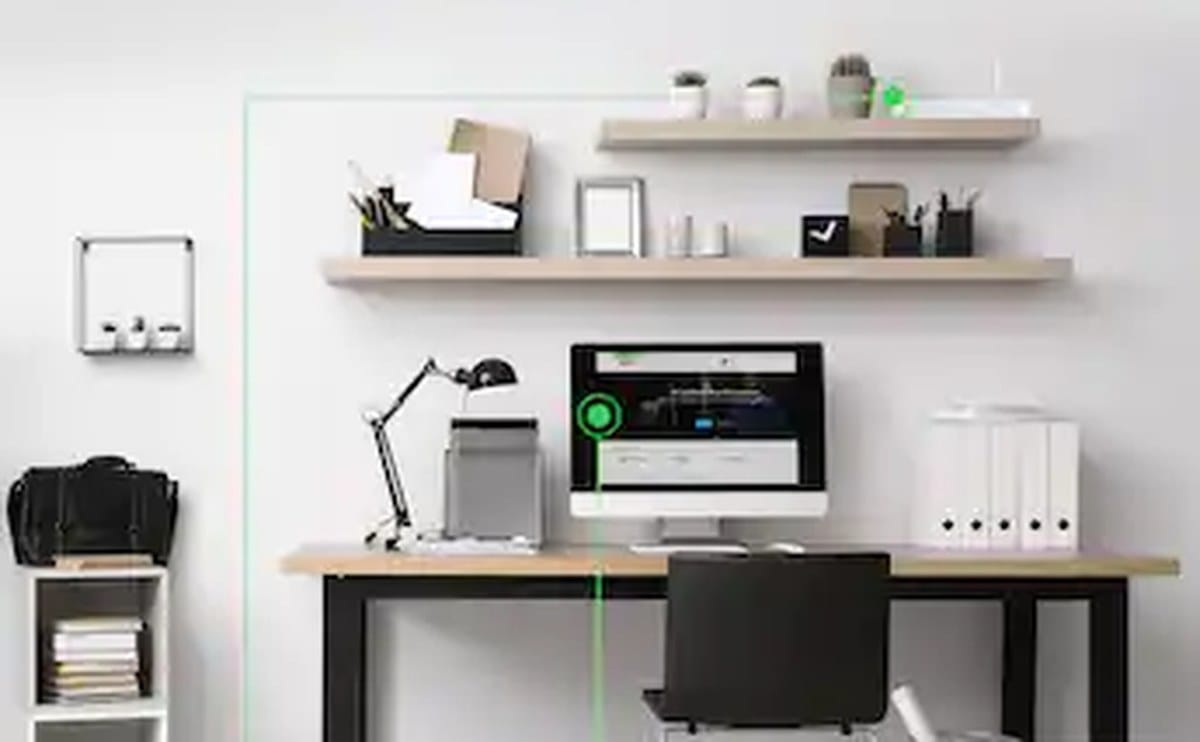
Power cuts and surges are part of life in many Kenyan locations. A UPS (uninterruptible power supply) does two jobs: it softens dirty power and it gives you minutes to save work and shut down cleanly when the lights go out. It is not a generator replacement — it is bridge time and protection.
Choosing the wrong size is the most common mistake. Too small and it overloads or lasts seconds. Oversized without need wastes money. Here is how to size and pick a unit that matches your desk, shop counter, or small office rack.
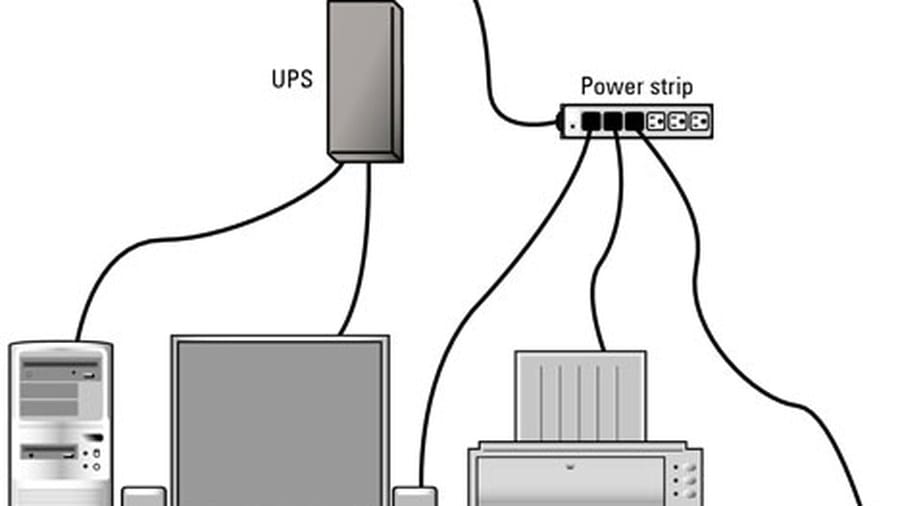
Add up the wattage of what you actually plug in — PC, monitor, router, maybe a small switch — then pick a UPS whose watt rating covers that load with headroom. VA ratings on the box are not the same as watts. If the label only shows VA, assume usable watts are lower (often around 0.6× for line-interactive units). When in doubt, list your devices and ask us to size it before you buy.
For a single PC and monitor, many home and small-office setups land in the 650–1500VA range. A router and a few network devices alone can use a smaller unit. If you run a POS terminal, CCTV NVR, or several desktops, size for the whole critical load — or use more than one UPS so a single failure does not take everything down. Browse our UPS range once you know approximate watts. Keep non-critical chargers and kettles off the battery-backed outlets.
Runtime is battery chemistry and load. Manufacturers advertise longer times at half load. Expect shorter runtime if you push the unit hard. Replace batteries on schedule; a UPS with dead batteries is only a surge strip with a false sense of security. Dusty floors and blocked vents shorten both electronics and battery life — give the unit air.
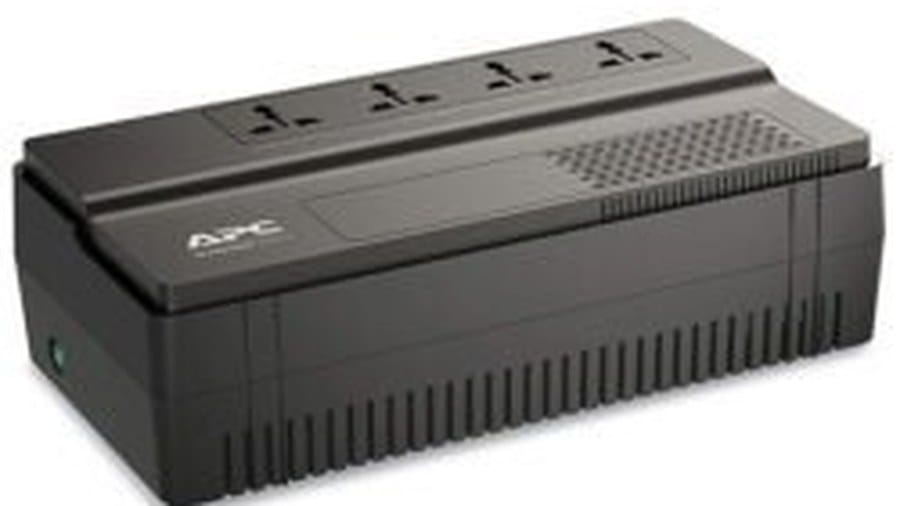
APC is a familiar name in offices for reliability and clear load indicators — see apc.com for product families. Mecer and Mercury are common value options for desks and shops where budget is tight but protection still matters. Match the outlet type and number of sockets to your plugs; Kenyan setups often need both computer and peripheral outlets on battery-backed sockets, not just surge-only ports. Line-interactive topology is what most SME buyers need; compare families on manufacturer sites before you overbuy online double-conversion gear you will not use.
Do not put laser printers or high-draw appliances on a small UPS — they can trip overload the moment they warm up. Keep the UPS ventilated, off the floor if possible in dusty spaces, and test the self-test button monthly. Line-interactive units suit most offices; online double-conversion is for more sensitive gear and costs more. If you already run a generator, the UPS still helps during the switch-over gap and against spikes.
UPS units for offices and home setups

Ugreen US128 USB 3.0 A-Male to A-Male Cable 3m Black
Original price was: KSh 800.00.KSh 600.00Current price is: KSh 600.00. ex VAT
Ugreen MU105 Silent Wireless Mouse 2400 DPI Moonlight Gray
Original price was: KSh 1,100.00.KSh 800.00Current price is: KSh 800.00. ex VAT
TP-Link Deco X50 AX3000 Whole Home Mesh Wi-Fi 6 System (3 Pack)
Original price was: KSh 43,900.00.KSh 36,000.00Current price is: KSh 36,000.00. ex VAT
HP 65W Type-C Adapter 1HE08AA USB-C Power Delivery
Original price was: KSh 7,700.00.KSh 6,000.00Current price is: KSh 6,000.00. ex VAT
Kensington Universal 3-in-1 2.0 Combination Laptop Lock, 1.8m Carbon Steel Cable
Original price was: KSh 6,500.00.KSh 5,600.00Current price is: KSh 5,600.00. ex VATWrite down every device that must stay up during a short outage, total the watts, add roughly 20–30% headroom, and choose VA/watt ratings from there. Prioritise PCs, networking, payment systems, and NVRs over phone chargers and desk lamps. Plan who will shut systems down when runtime is nearly gone.
Shop uninterruptible power supplies at Litmus Kenya, including APC, Mecer, and Mercury. Send us your device list and we will recommend a size that fits.



Finally someone explains VA properly. We under-bought last year 🤦
Add the router + NAS on the UPS list. People forget those.
APC vs Mercury for a 3-PC shop — any preference from Litmus stock?
We took APC 1500VA. Runtime for shutdown is enough. Poa.
Line interactive for Westlands office — blackouts are short but frequent.