

Blog
WiFi router vs access point vs range extender: what you actually need

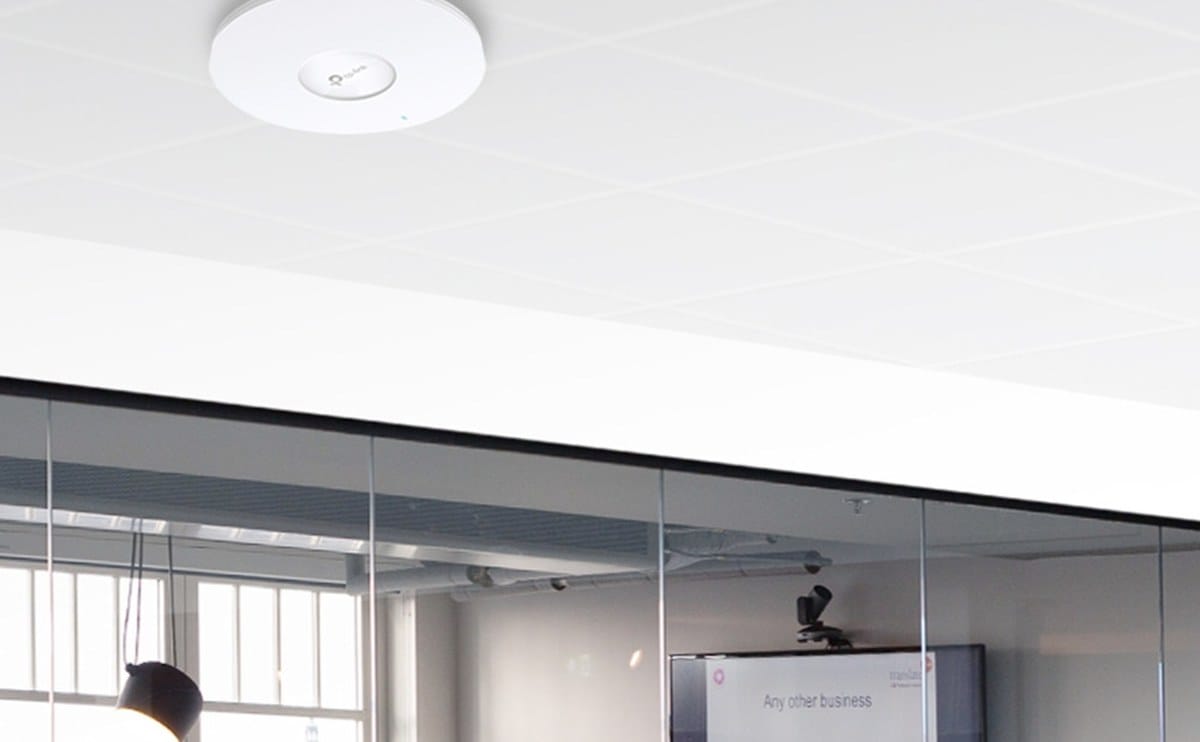
Wifi problems in Kenyan offices are often a wrong product choice, not a bad ISP. People buy a second router or a cheap extender when they really needed a proper access point on Ethernet. The result is double NAT, random disconnects, and blame aimed at the fibre provider.
Here is what each device does, when it helps, and when it makes the network worse. Get this distinction right once and most coverage complaints become a placement problem instead of a shopping problem.
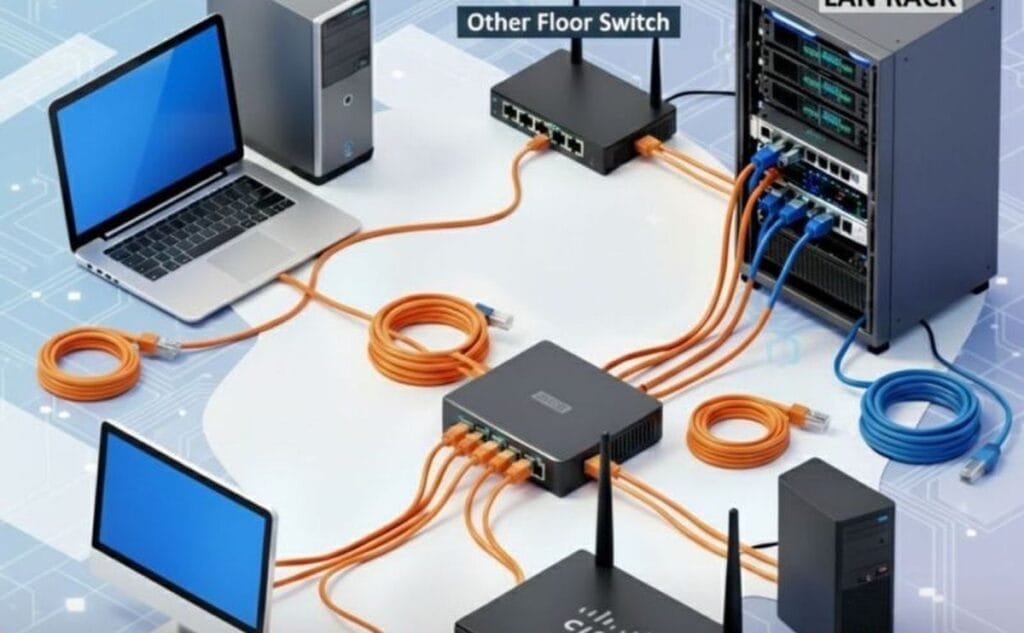
One router owns the internet connection and hands out IP addresses. Access points extend wifi coverage as part of that same network, usually fed by cable. Range extenders repeat wifi wirelessly — easy to install, often slower and less stable. If you can run Ethernet to a dead zone, prefer an access point over an extender every time.
Your ISP modem/router combo may be enough for a studio office. Larger floors, thick walls, metal shelves, and multiple meeting rooms usually need better radio placement. Start with a capable router if the gateway is weak, then add coverage where signal drops. Do not stack two routers in double-NAT mode unless you know why you are doing it — it breaks port forwarding, VPNs, and some payment terminals.
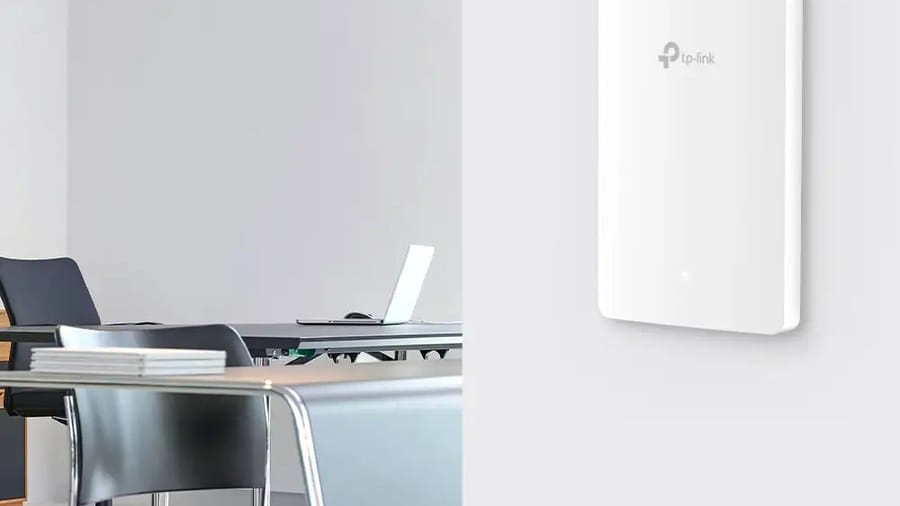
Access points shine when you can pull cable to the ceiling or wall in the weak area. They keep one SSID and better roaming for phones and laptops. See wireless access points for office-oriented options from brands like TP-Link, Ubiquiti, and Tenda. Ceiling mounts often outperform a router hidden behind a metal cabinet.
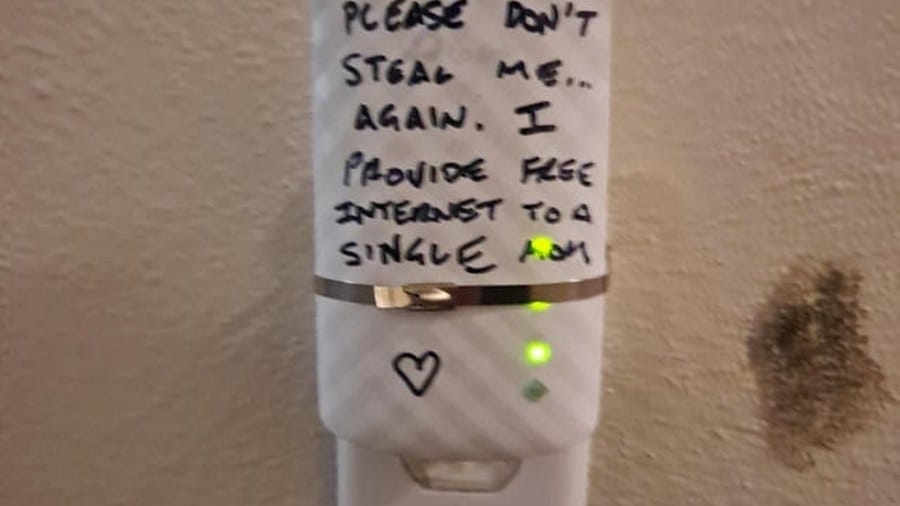
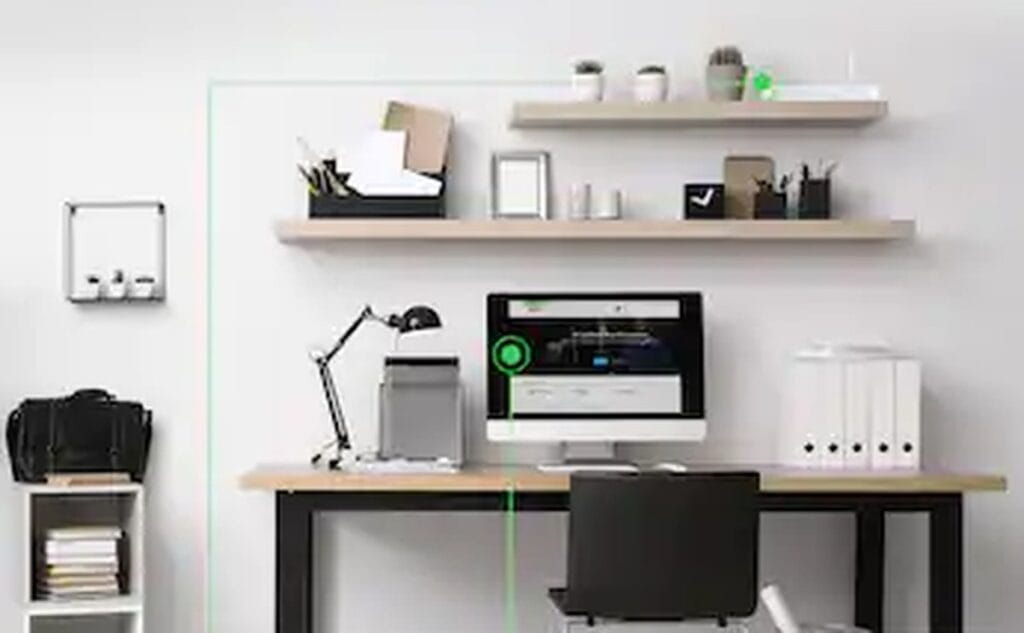
Range extenders are a last resort for rentals or temporary spaces where you cannot cable. Place them halfway between the router and the dead zone — not in the dead zone itself. Expect roughly half the throughput on many extender setups. Manufacturer guides on tp-link.com and enterprise wifi notes on cisco.com explain placement and roaming ideas; still treat extenders as a compromise, not a permanent design for a growing office.
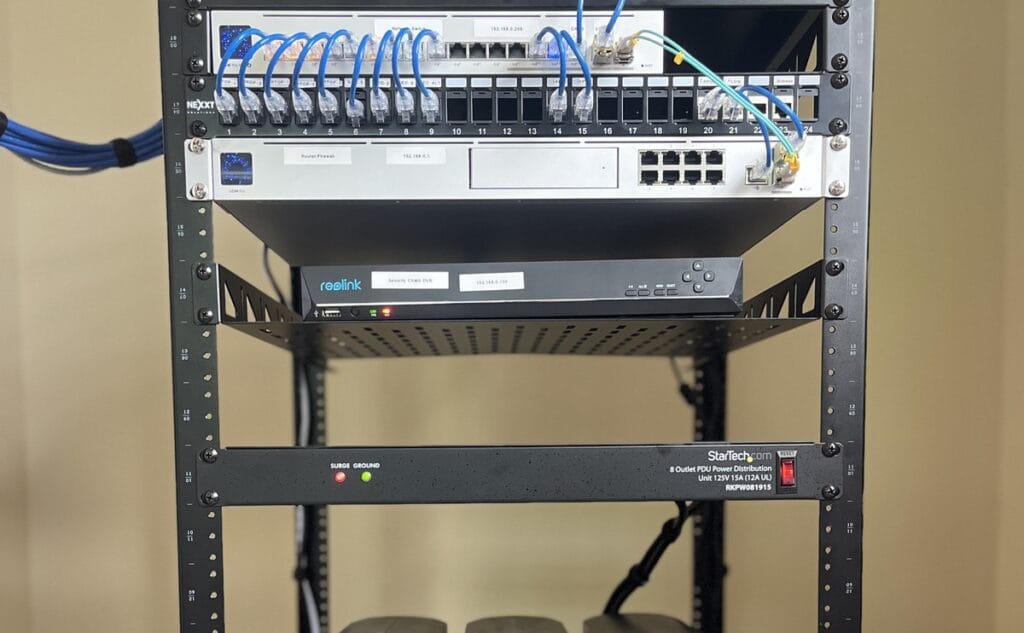
For shops with CCTV and POS on wifi, wired backhaul to APs is more reliable than hoping mesh hops hold up during peak hours. Guest wifi on a separate SSID reduces risk when customers ask for the password. Channel planning on 2.4GHz matters in dense Nairobi buildings where every neighbour has a router; 5GHz helps nearby rooms but struggles through thick walls — plan AP count accordingly. Walk the floor with a phone wifi analyser before you buy; dead zones are cheaper to find with your feet than with a wrong product.
Routers and WiFi gear for offices

Brillinox 500ml Stainless Steel Cleaner Spray
Original price was: KSh 2,600.00.KSh 2,000.00Current price is: KSh 2,000.00. ex VAT
Tabard Decorative Citronella Candle 200g – Mosquito and Insect Repellent
Original price was: KSh 1,700.00.KSh 1,300.00Current price is: KSh 1,300.00. ex VAT
Tabard Mosquito & Insect Repellent Lotion Sachets 10 x 10ml – DEET, 8-Hour Protection
Original price was: KSh 1,800.00.KSh 1,400.00Current price is: KSh 1,400.00. ex VAT
Tabard Tea Light Candle Citronella Insect Repellent 4-Hour Burn
Original price was: KSh 800.00.KSh 700.00Current price is: KSh 700.00. ex VAT
Tabard Roll-On Insect Repellent 70ml DEET Formula
Original price was: KSh 1,300.00.KSh 1,000.00Current price is: KSh 1,000.00. ex VATKeep one router as the brain of the network. Add access points on Ethernet for real coverage. Use extenders only when cabling is impossible. That order fixes most “wifi is slow at the back” complaints without buying three more boxes that fight each other. If coverage is fine but speed is not, check the ISP link and router first before adding more radios.
Compare routers, access points, and range extenders at Litmus Kenya. Describe your floor plan and we will suggest a clean setup.




Extender was our mistake. Dead zones just moved. AP fixed the floor.
Same story 😂 Mesh later, but one proper AP first was enough.
Router for internet edge, AP for coverage. Finally clear wording.
Wish we read this before buying a second router in AP mode chaos.
Café upstairs was weak — cabling an AP beat any extender. Noted ✍️