

Blog
Desktop vs laptop: which to buy for your SME

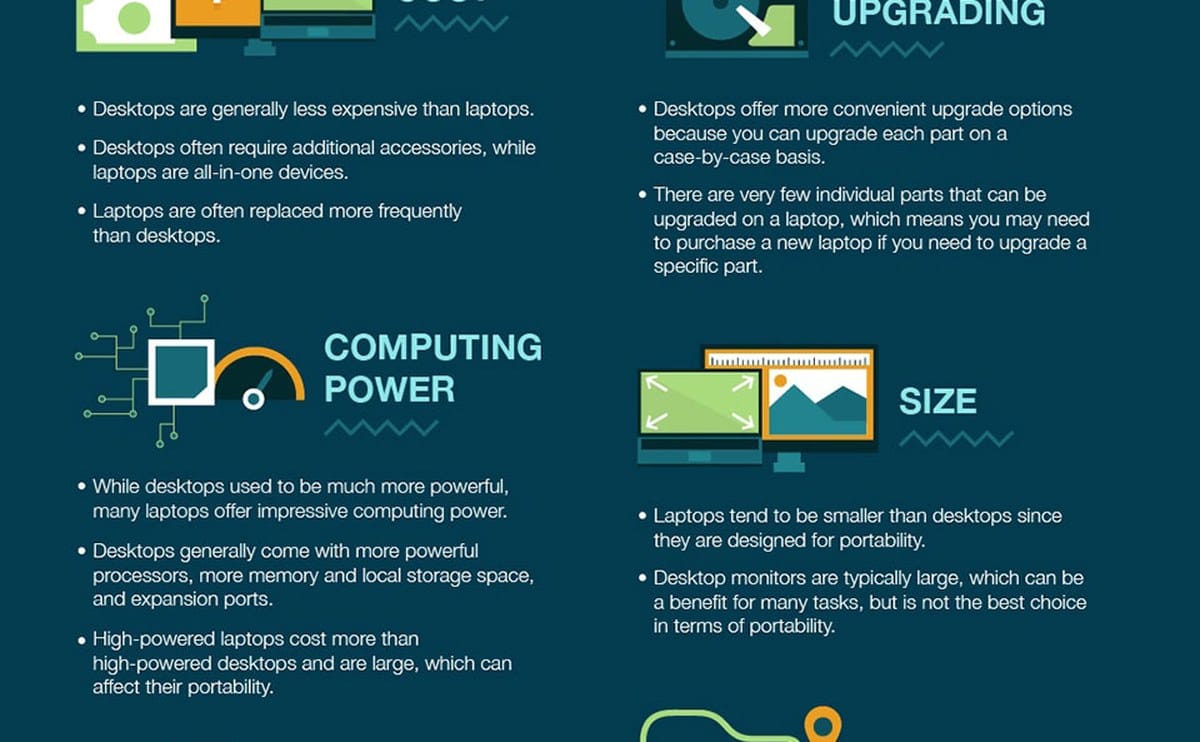
Most SMEs in Kenya eventually face the same question: put staff on desktops or issue laptops? There is no single right answer. It depends on whether people stay at one desk, how often power fails, how you handle repairs, and whether work happens outside the office.
Below is a practical comparison so you can decide by role, not by what looks modern in a brochure. Many growing companies end up with a mix — and that is often the cheapest long-term path.
Mobility is the real fork in the road. If the job never leaves the desk — accounts, reception, warehouse PC — a desktop usually gives more performance per shilling and is easier to secure with a cable lock and fixed monitor. If staff move between sites, client visits, or home, a laptop is the tool. Mixing both in one company is normal and often smarter than one policy for everyone.
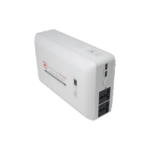
Desktops win on expandability and cooling. You can add RAM, storage, and a better monitor later without replacing the whole unit. For a fixed accounts or design station, browse desktop computers and pair them with a UPS so outages do not corrupt files mid-save. Initial cost for a capable desktop plus monitor is often lower than a similarly powerful laptop, and heat is easier to manage in a tower under the desk.
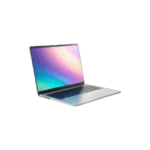
Laptops win when people need to leave the building. Sales, field supervisors, auditors, and owners who work from multiple locations need battery and portability. The trade-off is that upgrades are limited and repairs can cost more. Theft risk is higher, so asset tagging, staff agreements, and basic disk encryption become part of IT hygiene — not optional extras.
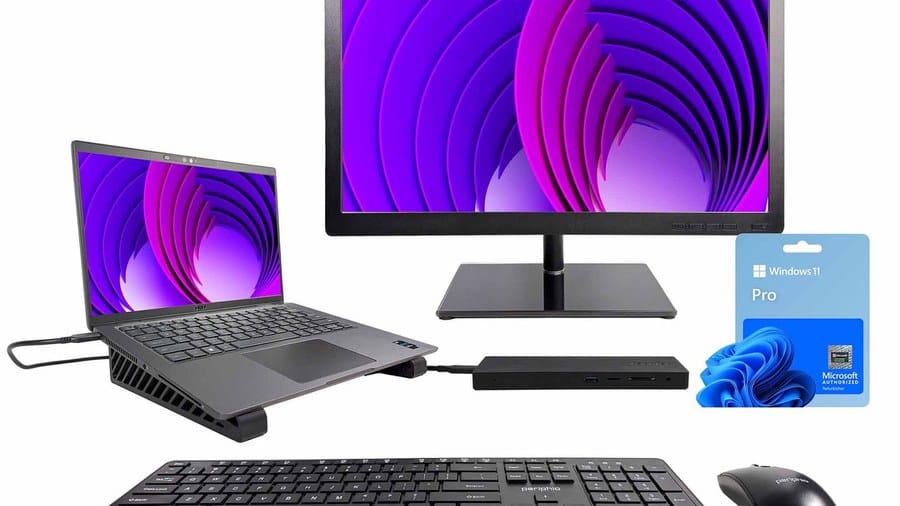

Shared roles sometimes need both: a desktop at HQ and a lighter laptop for travel. For brand depth, compare Dell, HP, and Lenovo business lines — manufacturer sites such as dell.com and hp.com outline series differences; we stock what is practical for local warranty and support. Standardising on two or three configurations keeps spare parts and training simpler as you hire.
Power reality in Kenya should influence the choice. Desktops without a UPS die hard during blackouts and can leave spreadsheets half-saved. Laptops ride through short outages on battery, which is a quiet advantage for shops and small offices that cannot afford downtime. Factor UPS cost into desktop quotes so the comparison stays honest. Also budget for a decent monitor, keyboard, and mouse on desktops — those are part of the total, not afterthoughts. If several people share one machine across shifts, a locked-down desktop is usually easier to control than a laptop that walks out of the building.
Desktop computers for Kenyan offices
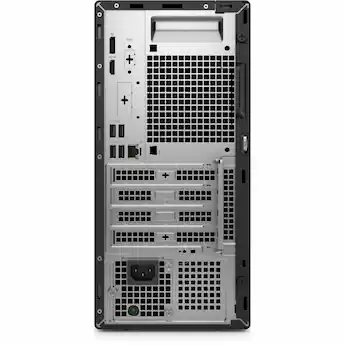
Dell Pro Tower QCT1250 Core Ultra 7 265 8GB 512GB
Original price was: KSh 165,000.00.KSh 132,000.00Current price is: KSh 132,000.00. ex VAT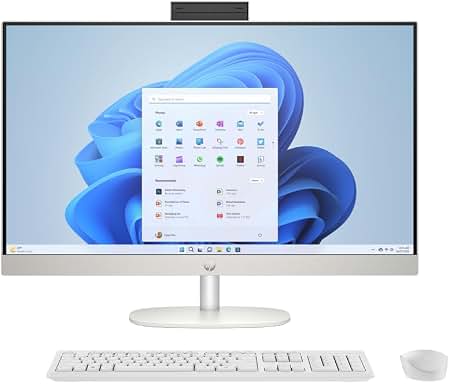
Asus V470 AIO i5-13420H 8GB 512GB
Original price was: KSh 129,000.00.KSh 103,200.00Current price is: KSh 103,200.00. ex VAT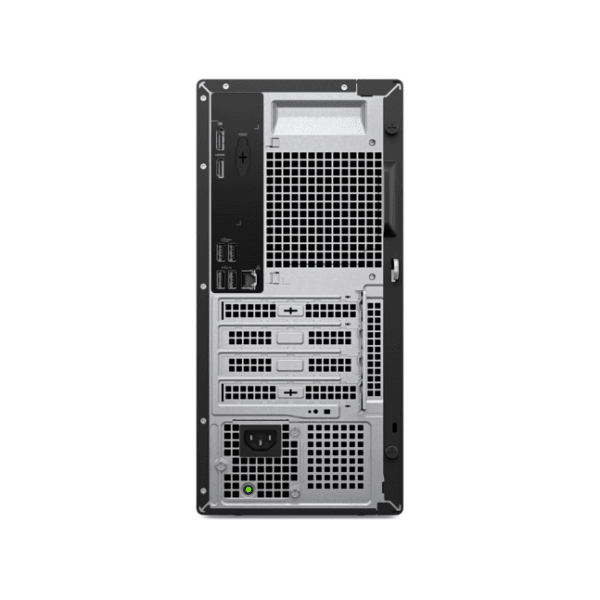
Dell Pro Tower Essential QVT1260 Intel i5-14400 8GB 512GB SSD
Original price was: KSh 124,500.00.KSh 99,600.00Current price is: KSh 99,600.00. ex VAT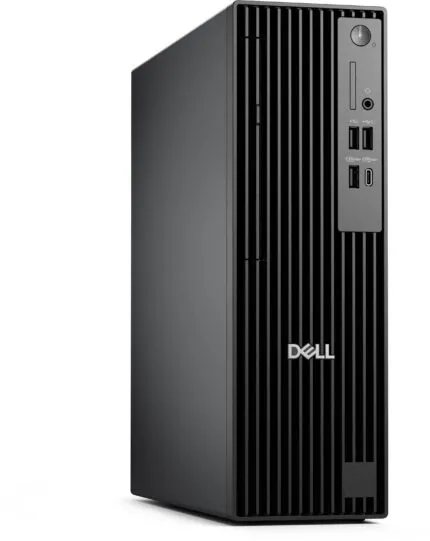
Dell Pro Tower QCT1250 Intel Core Ultra 5 235 8GB 512GB SSD
Original price was: KSh 127,500.00.KSh 102,000.00Current price is: KSh 102,000.00. ex VAT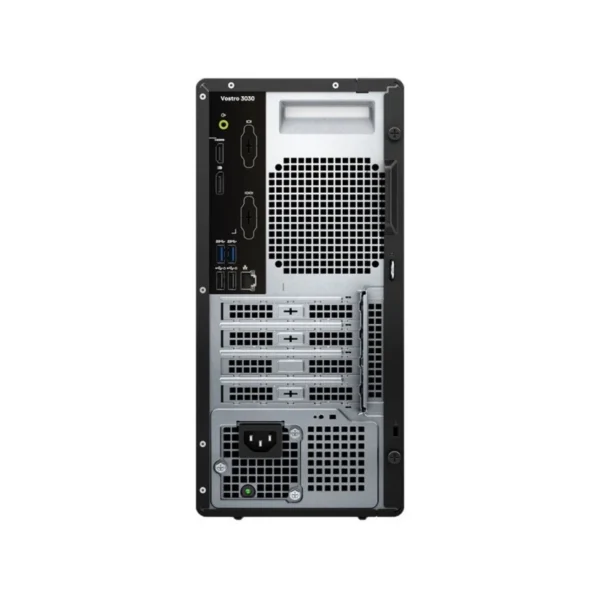
Dell Vostro 3030 MT i7-12700 8GB 512GB
Original price was: KSh 127,500.00.KSh 102,000.00Current price is: KSh 102,000.00. ex VATDecide per role: desk-bound staff on desktops, mobile staff on laptops, and power-sensitive workflows protected with UPS. Standardise on two or three configs so spares and support stay manageable as you grow. Revisit the mix yearly — a role that was fixed last year may now include site visits. When in doubt, buy the desktop for the fixed seat and add a laptop only where travel is proven, not assumed.
See desktop computers and laptops at Litmus Kenya, including HP and Dell options. Tell us your headcount and who travels — we will recommend a split that fits the budget.
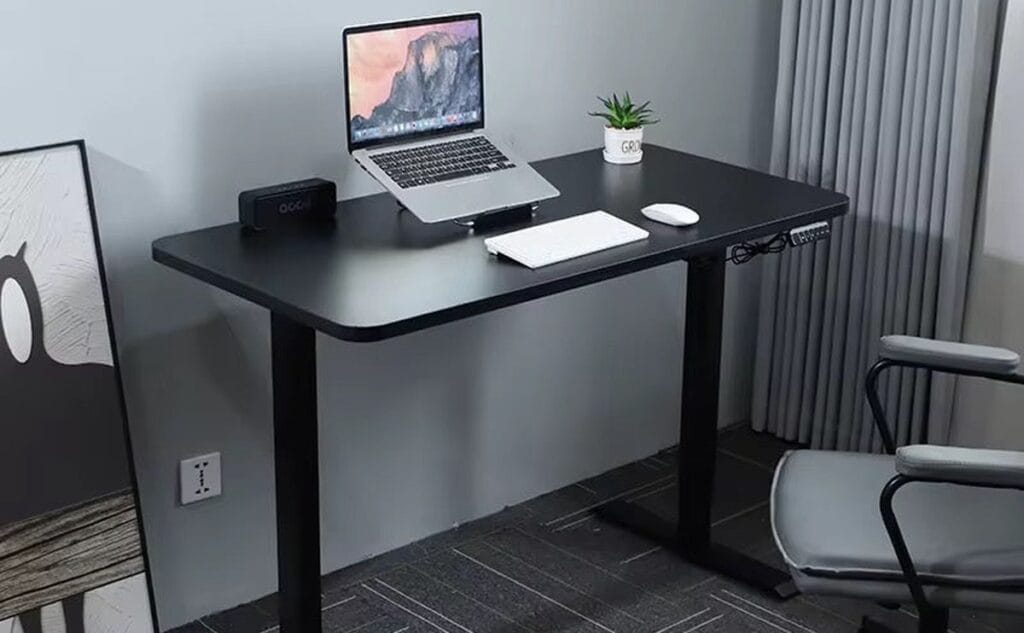
















Accounts stay on desktop + UPS. Sales get laptops. Mix iko sawa.
Agree 💯 We wasted money putting everyone on laptops.
Power angle hit hard. Desktop bila UPS ni stress during outages.
True. Laptop battery buys you those 20 mins to save & shut down.
Warehouse PC — desktop for sure. Nobody needs to carry that machine.
Same. Fixed seat = desktop + good monitor. Cheaper long-term.