


Free delivery in Nairobi CBD for orders of KES 20,000+. Otherwise, or outside the CBD, delivery starts from KES 300 — pay your chosen rider or courier on delivery.
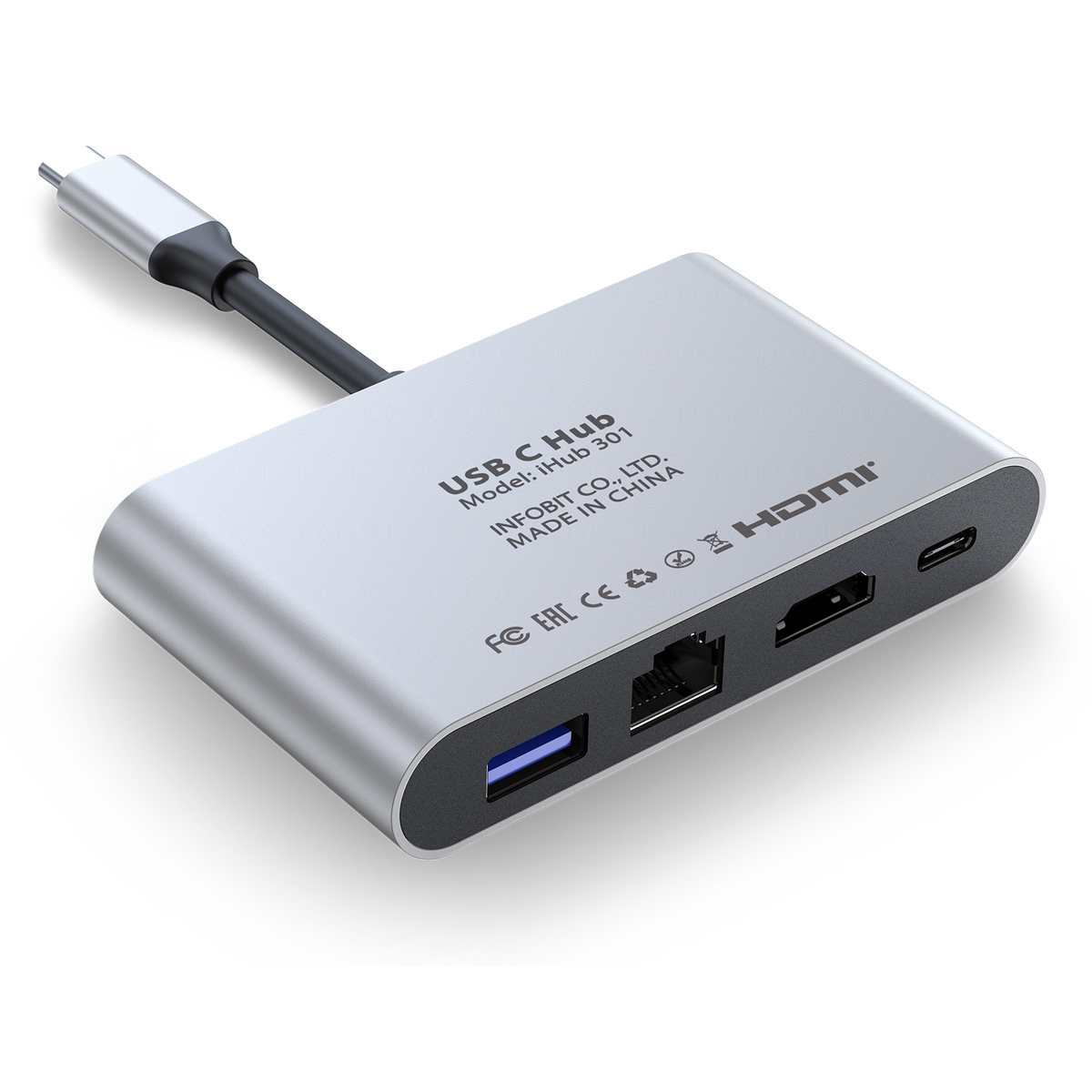
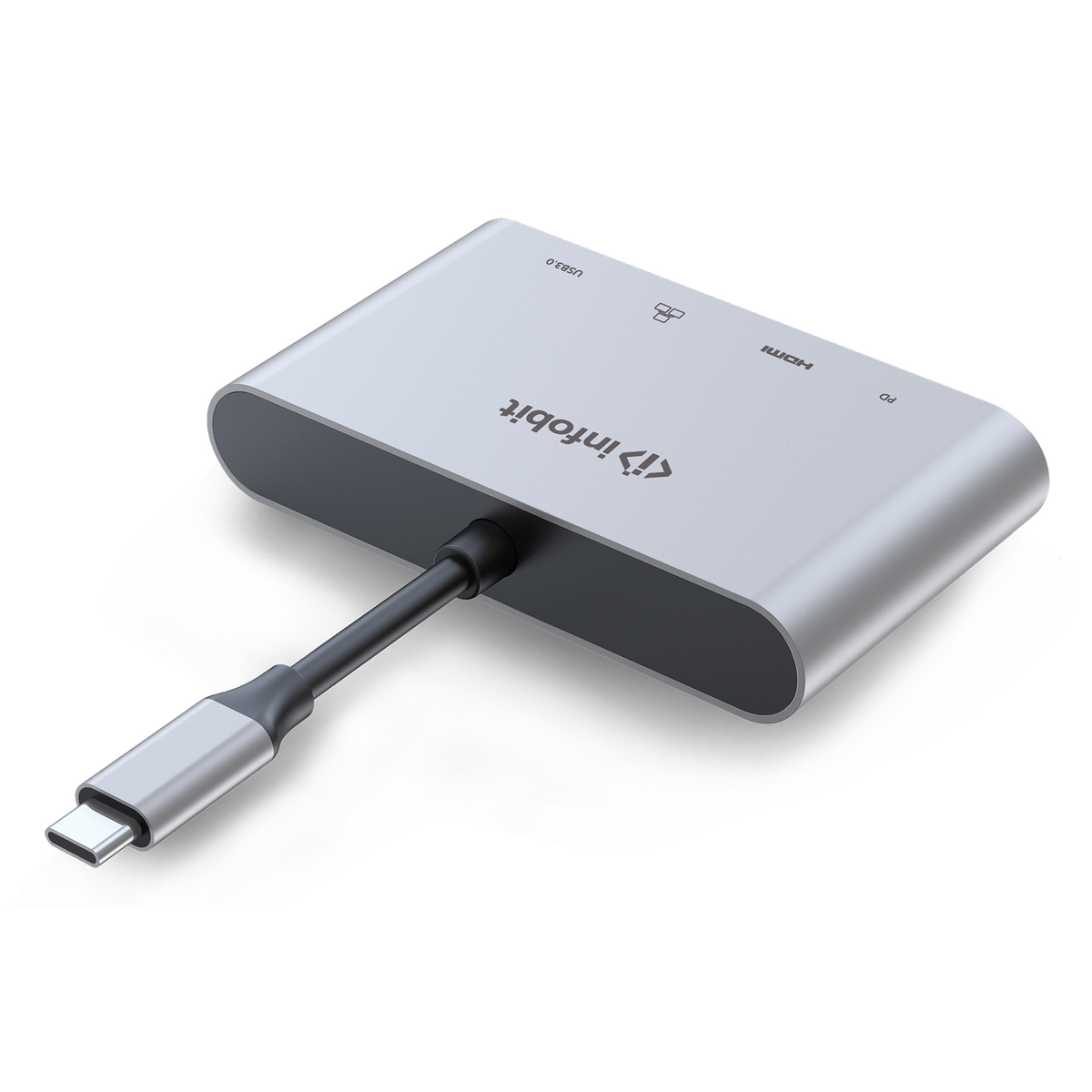
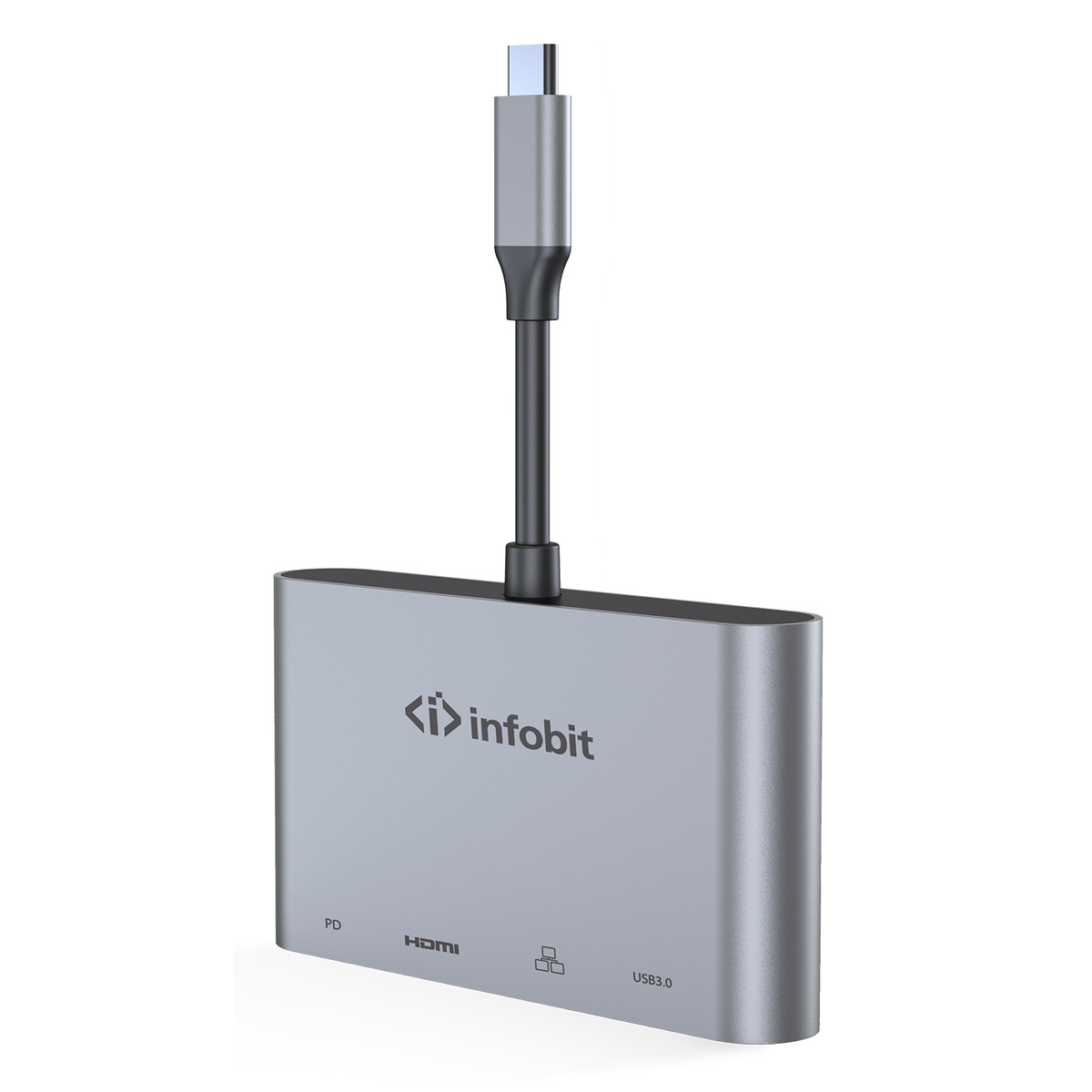
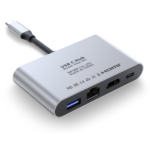
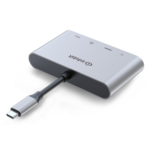
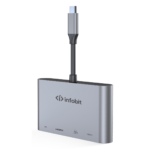
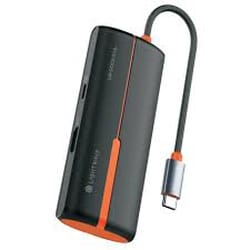
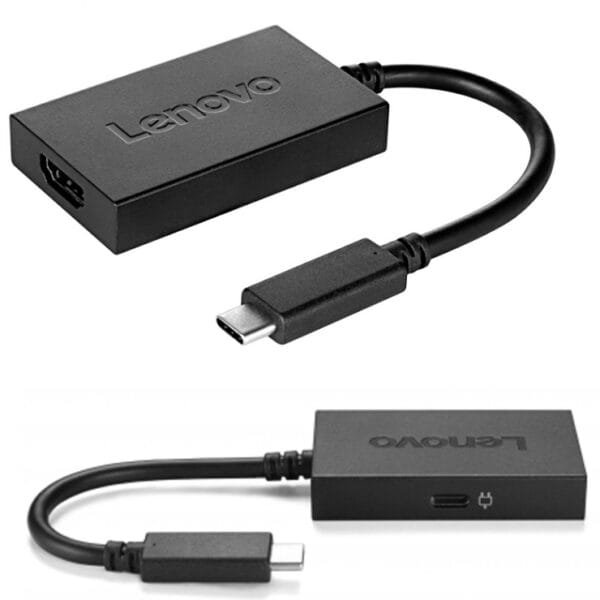
Infobit iHub 301 USB-C to HDMI Hub with RJ45 and USB 3.0 PD
Original price was: KSh 8,000.00.KSh 6,400.00Current price is: KSh 6,400.00. ex VAT
Limited Stock
Infobit iHub 301 USB-C to HDMI Hub with RJ45 and USB 3.0 PD
| Model | iHub 301 |
| Host port | USB-C |
| Video | HDMI |
| Network | RJ45 Gigabit |
| USB | USB 3.0 Type-A |
| Power | USB-C PD pass-through |
Shipping & Delivery
Delivery

We deliver to the address you provide. Nairobi CBD is often same-day on business days.
Nairobi CBD or Kenya-wide
Free CBD ≥ KES 20,000; else from KES 300

Warranty 1 year

72-hour (3-day) returns

Description
Infobit USB-C Compact Hub
The Infobit iHub 301 expands a single USB-C laptop or tablet port into wired display, network, data, and charging paths. One upstream USB-C link feeds HDMI video, a Gigabit Ethernet jack, USB 3.0 Type-A ports, and power delivery pass-through for the host. The layout targets desk and travel setups that need a focused dock without a full nine-port expansion block.
HDMI output carries display signal to monitors and projectors from USB-C Alt Mode capable hosts. The RJ45 port gives stable wired LAN where Wi-Fi is congested or blocked. USB 3.0 downstream ports accept keyboards, storage, and receivers at SuperSpeed rates. PD pass-through lets the original wall adapter charge the notebook while peripherals stay connected.
Procurement teams value the fixed port mix because it avoids unused slots found on larger docking stations. IT staff can standardize on one dongle for sales floors, training rooms, and executive suites. The unit draws bus power for downstream USB while PD routing handles notebook charging separately.
Key Features
- HDMI video from USB-C — Mirror or extend the host desktop to an external panel through the HDMI port.
- Gigabit Ethernet (RJ45) — Add wired network access without a separate USB dongle.
- USB 3.0 Type-A downstream — Connect storage and input devices at SuperSpeed bandwidth.
- USB-C power delivery pass-through — Route charger power to the host while the hub remains inline.
- Compact chassis — Sized for laptop bags and fixed desk trays where a slim hub is enough.
Specifications
| Feature | Specification |
|---|---|
| Brand | Infobit |
| Model | iHub 301 |
| Host interface | USB-C |
| Video output | HDMI |
| Network | RJ45 Gigabit Ethernet |
| USB downstream | USB 3.0 Type-A |
| Power | USB-C PD pass-through |
| Form factor | Compact USB-C hub (not 9-in-1 dock) |
| Typical host | USB-C laptop or tablet with Alt Mode |
What’s in the Box
- Infobit USB-C compact hub, model 301
- User guide
Why Choose This USB-C Hub
Teams pick this model when they need HDMI plus wired LAN from one dongle. It covers meeting rooms, hot desks, and support benches without the port count of a nine-in-one station. Display, Ethernet, USB 3.0, and charging share one cable back to the PC. That reduces clutter and shortens deployment time.
Field engineers carry a single adapter instead of three separate units. Help desks stock one SKU for most USB-C notebook complaints about missing ports. The slim profile fits monitor arms and cable trays where bulkier docks would block ventilation. For a balanced travel hub with video and RJ45, this Infobit adapter keeps the feature set tight and predictable.



Martin Koech (verified owner) –
HDMI output drives my 1080p secondary display without flicker. Extra USB ports for keyboard and dongle. Does what pricier hubs do for less.
Catherine Njoki (verified owner) –
USB-C hub with HDMI handles my ultrabook setup — one cable for power, external monitor, and mouse. 301 model is compact for travel between Nairobi and Nakuru offices.
Diana Achieng (verified owner) –
Handy hub for hot-desking.