


Free delivery in Nairobi CBD for orders of KES 20,000+. Otherwise, or outside the CBD, delivery starts from KES 300 — pay your chosen rider or courier on delivery.
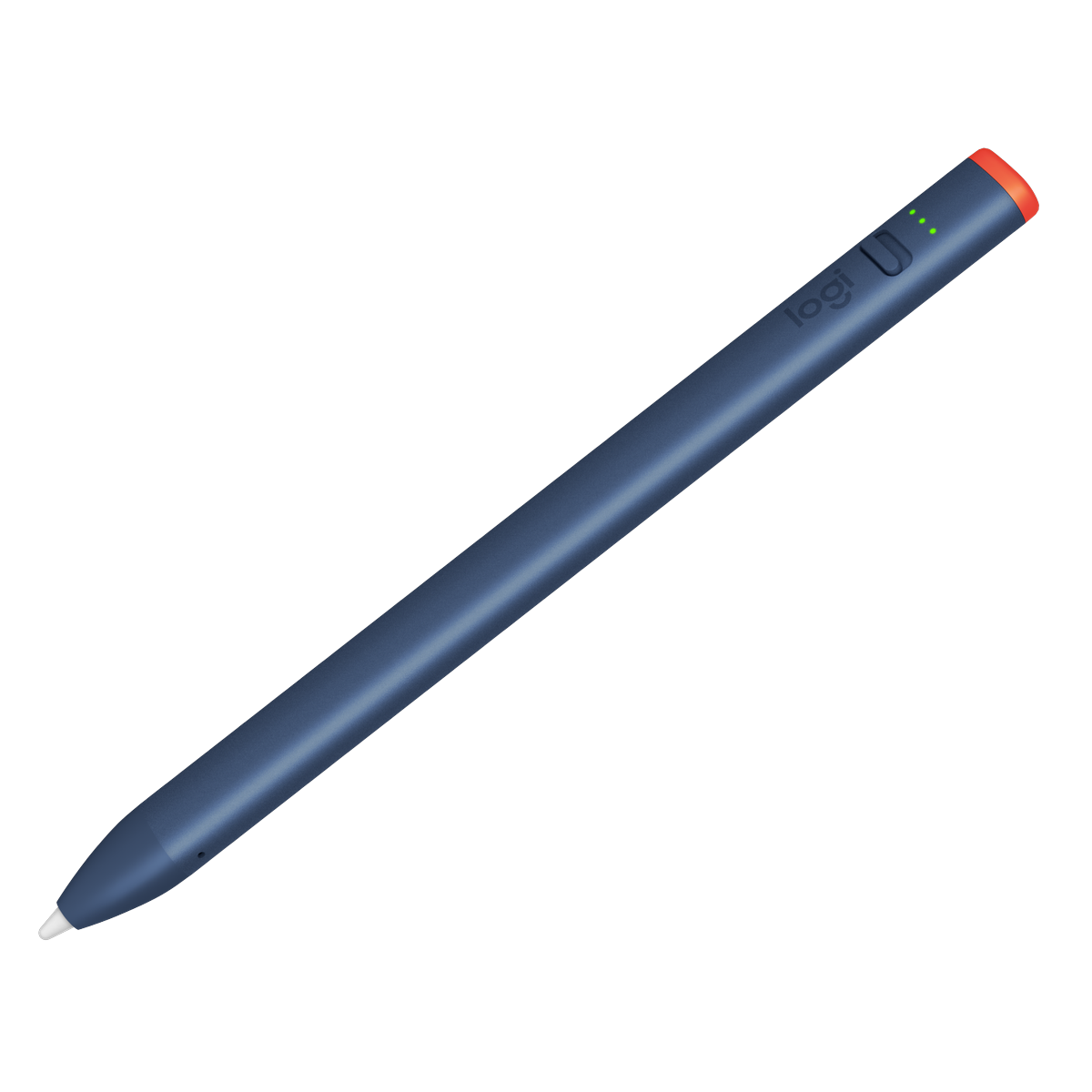
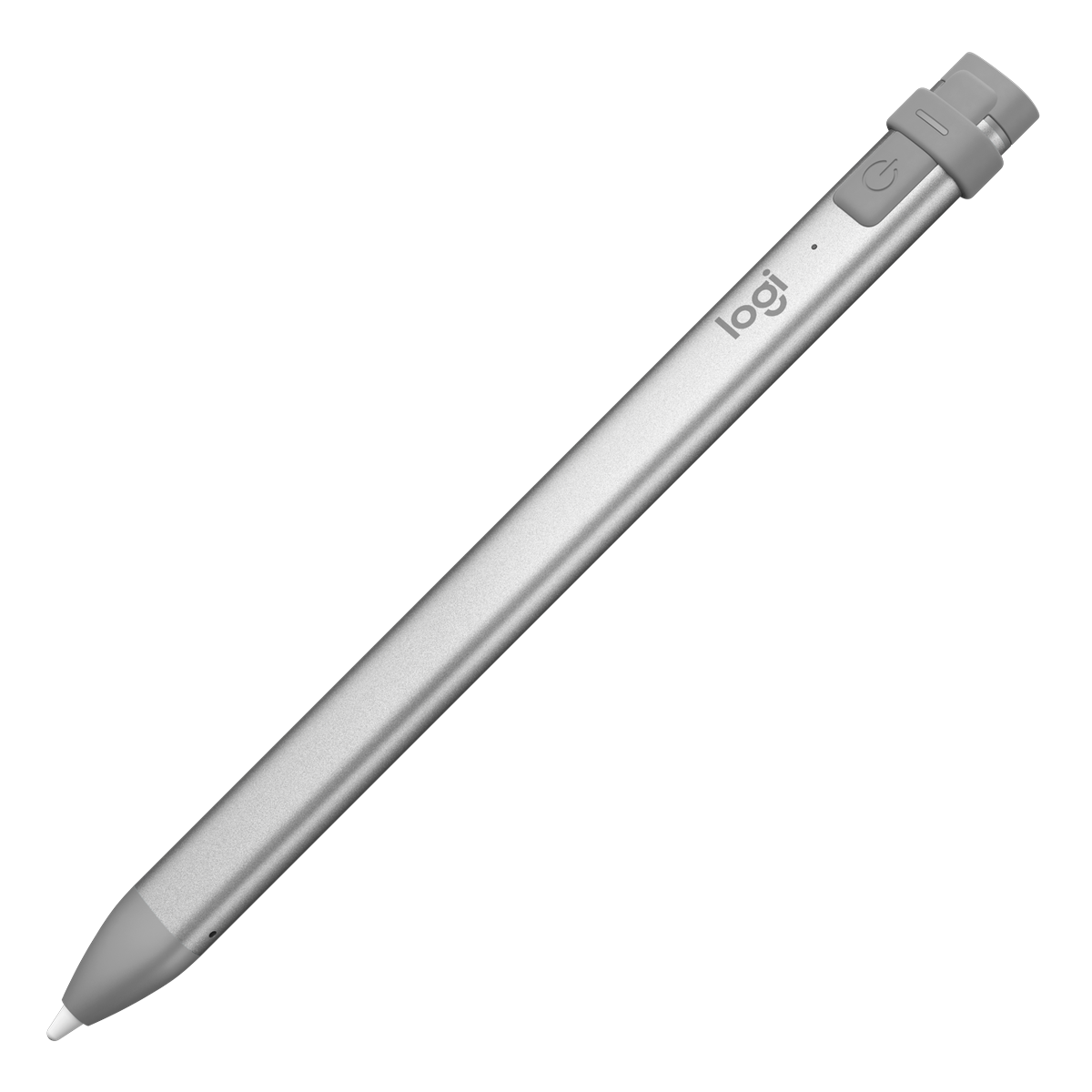
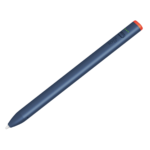
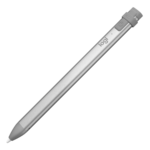
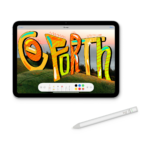
Logitech Crayon Digital Pencil for iPad with Apple Pencil Technology Lightning Charging
Original price was: KSh 13,800.00.KSh 11,000.00Current price is: KSh 11,000.00. ex VAT
Limited Stock
Logitech Crayon Digital Pencil for iPad with Apple Pencil Technology Lightning Charging
| Part number | 914-000031 |
| Platform | iPad (2018 and later, Apple Pencil technology) |
| Charging | Lightning port |
| Battery life | Up to 7.5 hours |
| Connectivity | No Bluetooth pairing required |
| Tilt / palm rejection | Supported on compatible iPads |
Shipping & Delivery
Delivery

We deliver to the address you provide. Nairobi CBD is often same-day on business days.
Nairobi CBD or Kenya-wide
Free CBD ≥ KES 20,000; else from KES 300

Warranty 1 year

72-hour (3-day) returns

Description
Logitech Crayon for iPad
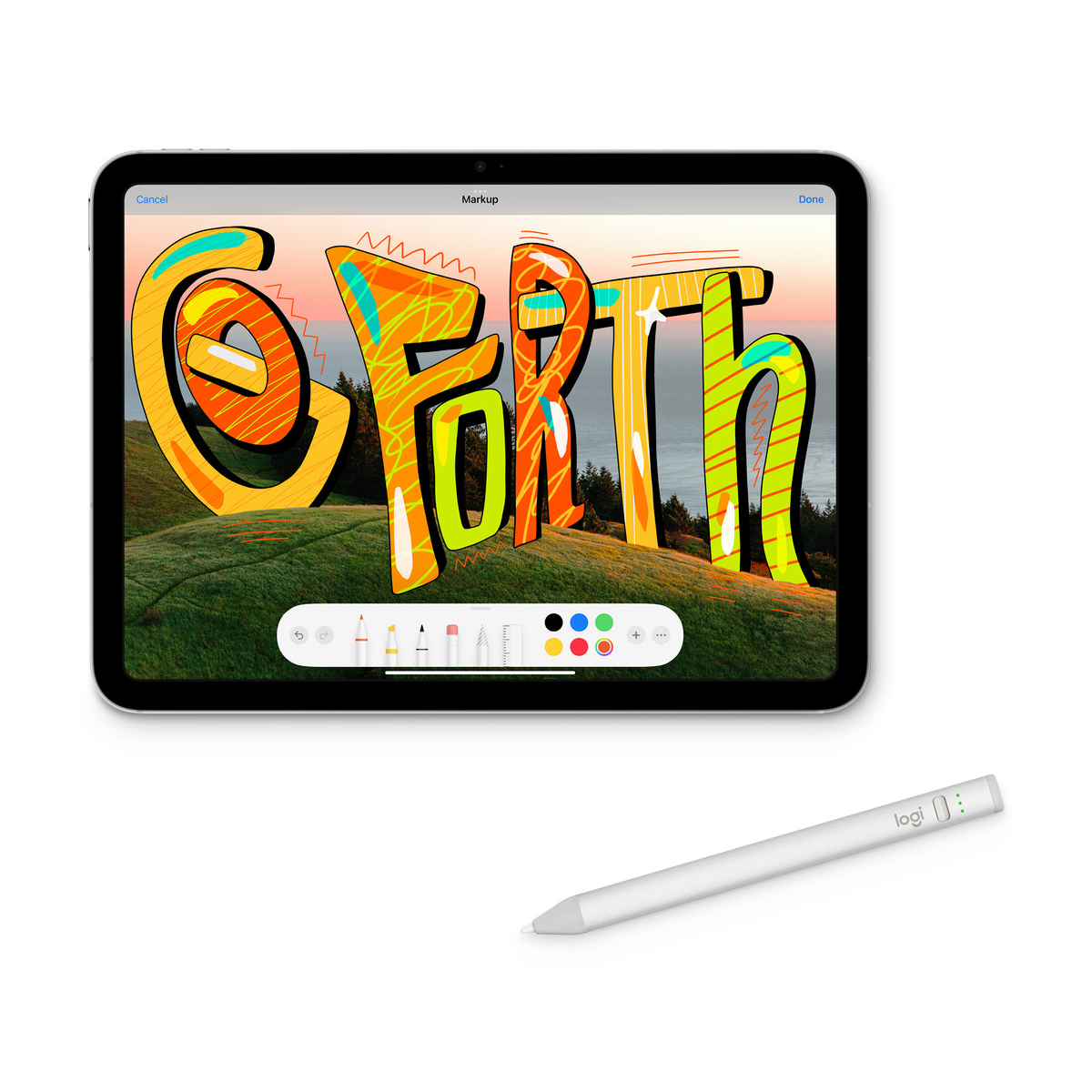
The Logitech Crayon Digital Pencil delivers pixel-precise stylus input on compatible iPad models through Apple Pencil technology embedded in supported tablets. IT teams can deploy this education stylus without Bluetooth pairing, driver installs, or account linking. Press the on/off button once and the Crayon is ready to write, draw, or annotate within supported apps.
Part number 914-000031 is the Lightning-charging Crayon for iPad models released from 2018 onward. Logitech documents a separate USB-C variant with a different part number. This SKU charges through a standard iPad Lightning cable and includes a replaceable tethered cap that protects the charge port during daily classroom use.
The Crayon is not an Apple Pencil. It uses the same low-latency touch protocol that Apple Pencil-enabled iPads expose to third-party styluses. Latency, tilt response, and palm rejection match what users expect from native Apple input on supported hardware. The stylus does not support pressure sensitivity, which keeps the design simple and durable for shared student devices.
Key Features
Apple Pencil Technology on Supported iPads
The Crayon communicates directly with iPad touch controllers that support Apple Pencil-class input, giving consistent line placement without a wireless link.Instant Power-On With No Bluetooth
There is no pairing workflow, no battery drain from idle radio links, and no IT policy exceptions for wireless peripherals.Tilt Sensitivity for Natural Shading
Angle the tip to vary stroke weight in drawing and note-taking apps that read tilt data from compatible styluses.Palm Rejection on Compatible iPad Models
- Rest your hand on the glass while writing without stray marks from palm contact.
- Requires an iPad that supports Apple Pencil technology; verify model compatibility before bulk purchase.
Education-Grade Rugged Tip
The smart tip withstands classroom handling and can be replaced when wear occurs, reducing long-term replacement cost for shared fleets.Lightning Charging and Battery Management
- Up to 7.5 hours of continuous writing time on a full charge per Logitech specifications.
- Auto power-off after 30 minutes of idle time preserves battery between lessons.
- LED indicator shows green above 10% charge and red below 10%; red blink below 5%.
Specifications
| Feature | Specification |
|---|---|
| Manufacturer part number | 914-000031 |
| Device type | Digital pencil / capacitive stylus for iPad |
| Input technology | Apple Pencil technology on supported iPad models |
| Wireless connectivity | None — direct capacitive communication with iPad |
| Pressure sensitivity | Not supported |
| Tilt sensitivity | Supported for shading in compatible apps |
| Palm rejection | Supported on compatible iPad models |
| Charging connector | Lightning (iPad Lightning cable) |
| Battery type | Lithium battery, rechargeable |
| Battery life | Up to 7.5 hours writing time per charge |
| Idle power management | Automatic shutoff after 30 minutes idle |
| Power control | On/off button (1-second press) |
| Battery indicator | Green LED above 10%; red below 10%; red blink below 5% |
| Tip design | Education-oriented rugged smart tip, replaceable |
| Target use | Education, note-taking, annotation, illustration on iPad |
What’s in the Box
Logitech Crayon stylus unit (914-000031)
Replaceable tethered cap for Lightning charge port
Quick start documentation
Why Choose Logitech Crayon
Deploy a certified third-party stylus that uses native iPad Apple Pencil protocols without the cost or fragility of first-party Apple Pencil units in shared classrooms.
Skip Bluetooth management entirely — the stylus works as soon as a student presses the power button on a compatible tablet.
Lightning charging aligns with existing iPad Lightning cables already stocked in many school IT inventories for this generation of hardware.
Tilt shading and palm rejection support natural handwriting workflows in apps such as Notability, GoodNotes, and Apple Freeform on supported devices.
The rugged replaceable tip extends service life when hundreds of students share the same stylus pool across terms.


Peter Kamau (verified owner) –
My daughter uses this on her school iPad for notes and sketches. Lightning charging means one less cable type to hunt for. Tilt shading works well in Procreate.
Lucy Akinyi (verified owner) –
No Bluetooth pairing is brilliant — turn it on and write. Battery lasts her full day of classes, roughly seven hours as advertised.
Daniel Mutua (verified owner) –
Good alternative to the Apple Pencil for our primary school iPads. Teachers picked it up quickly.
Esther Chebet (verified owner) –
Bought for architectural sketching on iPad. Pressure and tilt feel natural for quick concept drawings. Charging via Lightning is convenient though I do wish it had USB-C for newer iPads. Still a strong 4 stars for daily studio use.