

Blog
HDMI cables, adapters, and docking accessories that actually work

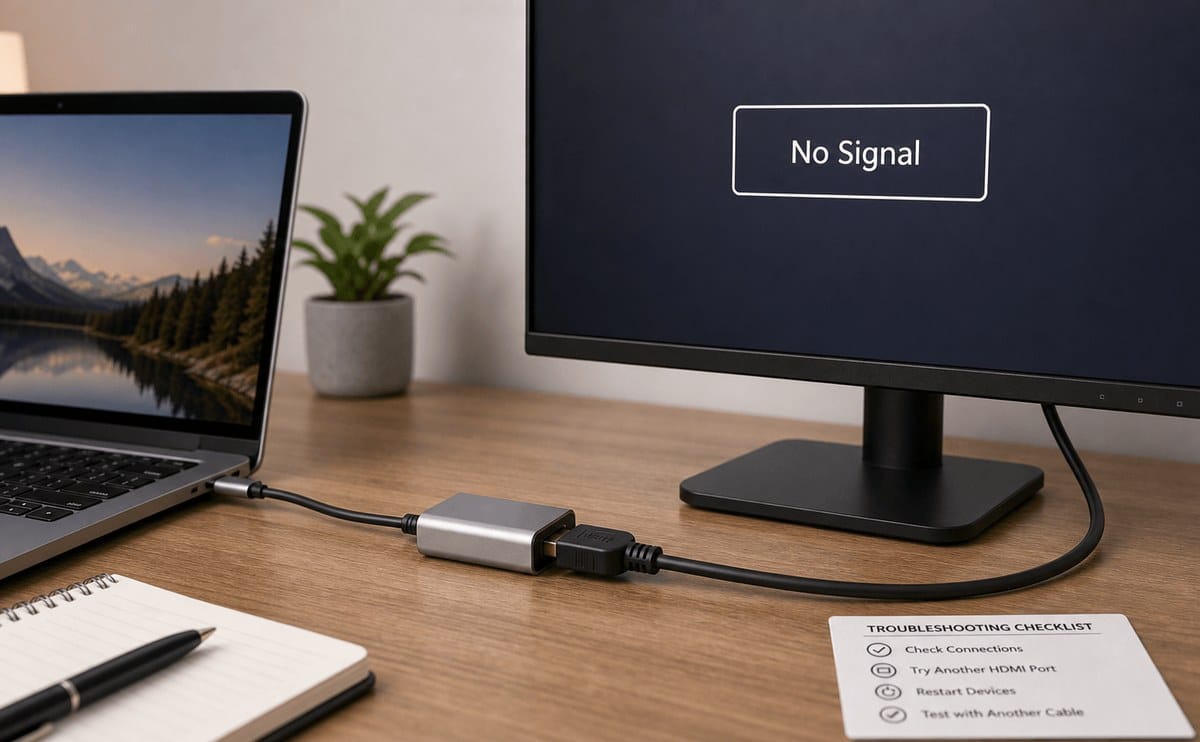
Most “the projector is broken” tickets are actually the wrong cable or adapter. Laptops dropped VGA years ago; many Kenyan meeting rooms still mix HDMI, USB-C, and the odd DisplayPort. Buy for the ports you have, at the length you need, and keep a labelled spare in the AV drawer.
Focus on proven lines such as Vention products inside accessories, plus brands like Vention and UGREEN. Unlabelled bargain packs are where flicker and “no signal” complaints begin.
A 10-metre no-name HDMI that flickers at Full HD will waste a whole training session. Spend a little more on a known cable once, and keep a labelled spare next to the remote.
Match connector to connector. HDMI to HDMI is simplest. USB-C to HDMI needs an adapter or hub that supports DisplayPort Alternate Mode—not every USB-C port does, especially charge-only ports on some phones and thin docks. Check your laptop manual or the tiny icons next to the port. For dual monitors, a docking station with the right outputs beats stacking cheap dongles that fight each other for bandwidth and heat up until one disconnects mid-call. If in doubt, bring the laptop to the counter and test before you pay.
Length and build quality matter. Short desk runs (1–2 metres) are easy. Longer hall runs need better shielded cable; if you go very long, consider an active cable or a different signal path instead of hoping a thin cable will carry 4K across a sanctuary. Strain relief at the plug reduces the classic failure where the moulding cracks after constantly yanking the cable from a wall plate. Look for brands such as Vention and UGREEN that publish clear specs for resolution and refresh support instead of vague “HD ready” stickers.
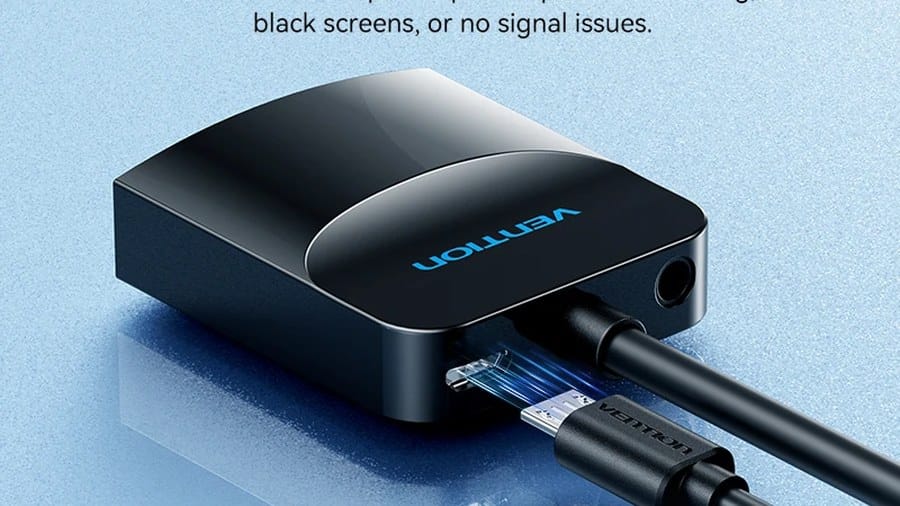
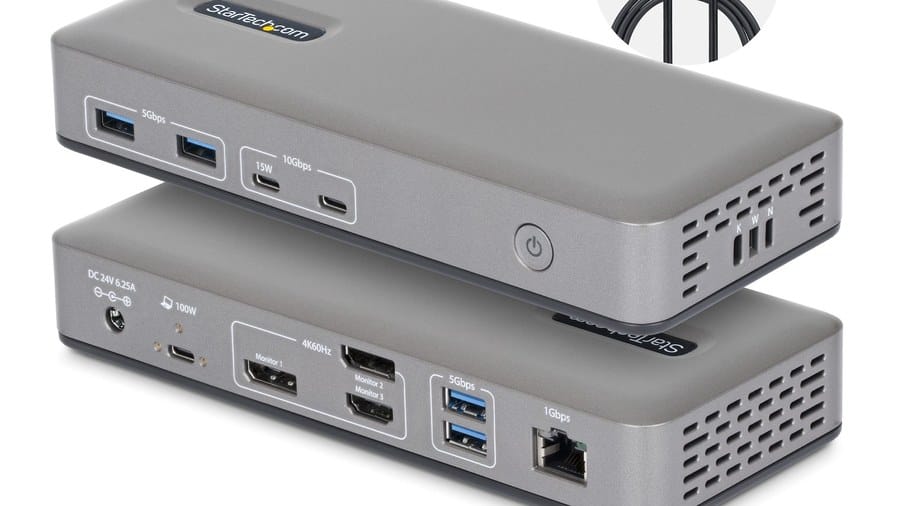
Adapters are not all equal. Passive adapters are fine for many HDMI conversions; some USB-C hubs also pass power so you can charge while presenting—confirm wattage for your laptop model. Avoid mystery multiport cubes with no labelling and no return path when they fail. For presenters or webcams used in the same kit, keep them in one labelled pouch with the HDMI cable so facilitators stop borrowing random wires from IT and never returning them.
Docking for home and hot desks: prefer a dock that matches your laptop’s port layout or a universal USB-C dock with HDMI/DisplayPort, Ethernet, and USB-A for older peripherals like fingerprint scanners or receipt printers. Test the exact resolution you need (for example 1080p vs 4K) before a client demo. Stock Logitech mice and keyboards separately if needed, but treat cables as first-class citizens—not afterthoughts thrown in a box after the laptop is bought.
Vention cables and docking gear
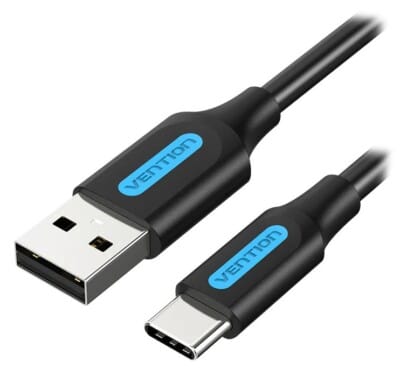
Vention COZBH USB 3.0 to USB-C 5Gbps 2M Cable
Original price was: KSh 1,300.00.KSh 1,000.00Current price is: KSh 1,000.00. ex VAT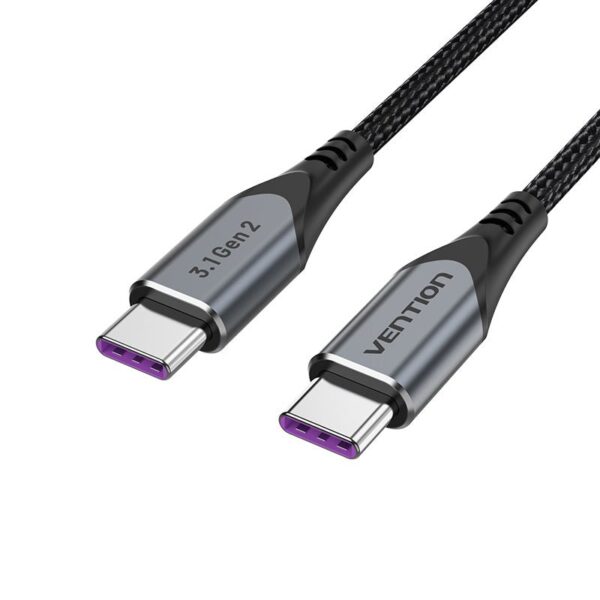
Vention TRGWF USB-C 10Gbps 100W Cable
Original price was: KSh 1,500.00.KSh 1,200.00Current price is: KSh 1,200.00. ex VAT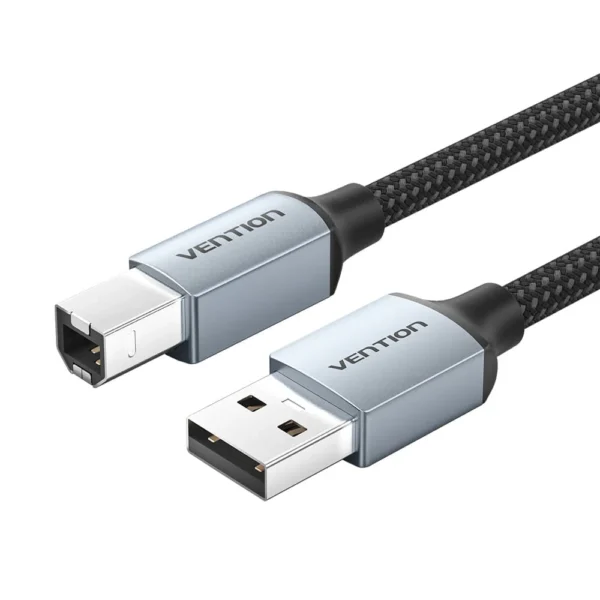
Vention USB 2.0 Type-A to Type-B Printer Cable 3m
Original price was: KSh 800.00.KSh 480.00Current price is: KSh 480.00. ex VAT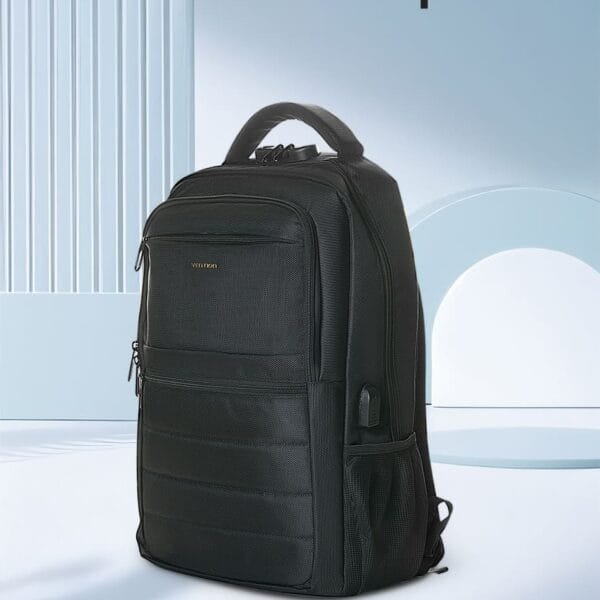
Vention KRMB0 15.6″ Laptop Backpack 45x30x15cm Black
Original price was: KSh 2,500.00.KSh 2,000.00Current price is: KSh 2,000.00. ex VAT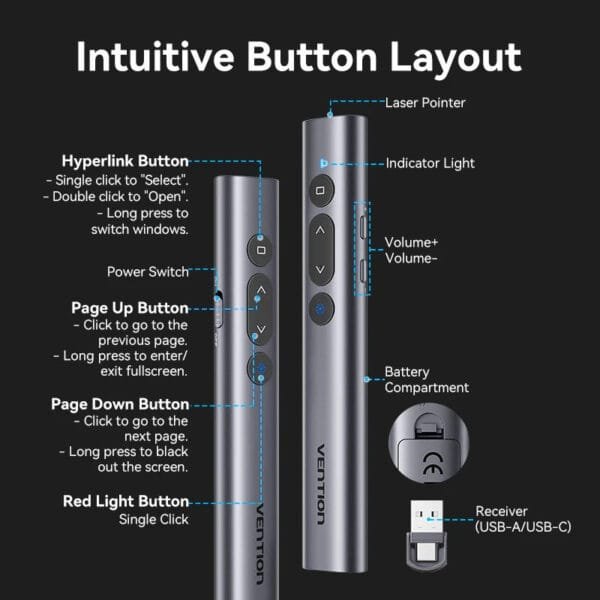
Vention KQIH0 Wireless PowerPoint Presenter 2.4GHz Red Laser 100m Range – Gray
Original price was: KSh 3,500.00.KSh 2,500.00Current price is: KSh 2,500.00. ex VATInventory every port on your laptops and displays, then buy matching cables and one spare set. Prefer known accessory brands over unlabelled bargain packs for anything longer than a desk reach.
Shop Vention products, UGREEN, and general accessories at Litmus Kenya—bring your laptop if you are unsure which USB-C port supports video.












USB-C hub that actually does HDMI + charge — finally stopped guessing.
Check wattage though. Weak PD and the laptop still drains.
Cheap HDMI failing at 4K60 taught us — buy certified lengths.
Labelled cables in the meeting room drawer. Small win, huge calm.
Colour tape by length. Sounds nerdy, works in shared spaces.