

Blog
External hard drive vs SSD: backup storage that makes sense

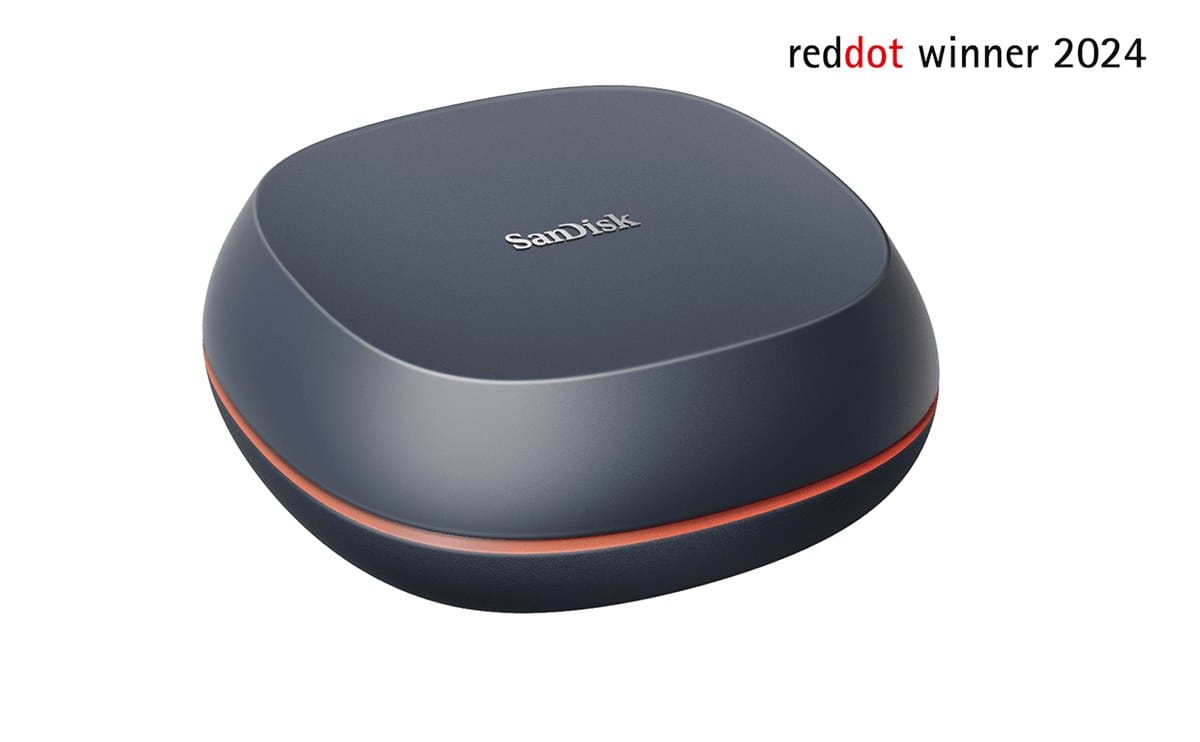
Backups fail for two reasons: people never start them, or they buy the wrong drive for the job. Capacity, speed, and how you carry the drive between office and home all matter more than brand slogans. A dusty unfinished promise of “we will back up later” is how shops lose years of invoices after a failed disk.
For bulk archives and weekly full copies, browse external hard drives. For fast project folders and travel, look at SSDs as well—including internal SSDs if you are upgrading a PC first and want the old drive reused for backup.
Think in roles, not winners. An external HDD holds cheap terabytes for overnight backups. An SSD is what you want when a consultant needs a client folder copied before a site visit and cannot wait for a spinning disk to finish.
Hard disk drives still win on price per gigabyte. A 2TB or 4TB portable HDD is realistic for photo libraries, CCTV exports, and accounting year-end archives. They are slower and more sensitive to drops—do not toss one in a bag with tools or leave it on a vibrating generator trolley. Solid-state drives have no moving parts, survive bumps better, and copy large folders much faster. You pay more per GB, so many Kenyan SMEs use a smaller SSD for “active” work and a larger HDD for cold backup. That split keeps cost under control without making every restore take an afternoon.
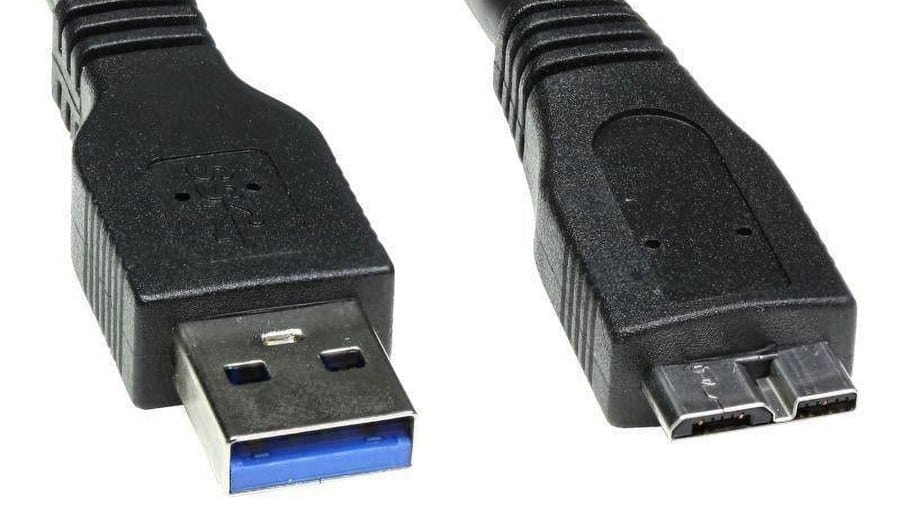
Interface matters. USB 3.x is the everyday standard; avoid old USB 2.0 cables that throttle speed and make people abandon the backup halfway. Some enclosures support USB-C. If your laptop only has USB-C, buy a drive or cable that matches instead of stacking adapters that work one day and fail the next. Label each drive with the PC name and the last backup date using a permanent marker or printed sticker. That simple habit prevents the classic mistake of overwriting the only good copy because two black drives looked identical.
A workable routine beats a perfect one you ignore. Example: Friday evening, copy Documents and Desktop to an external HDD kept off-site or in a locked drawer. Monthly, take a second copy home or to another branch. Critical databases and POS systems may need nightly automated backup software—ask your IT person—but the principle is the same: two copies, two places. Cloud alone is not enough if connectivity is unreliable, the subscription lapses, or someone deletes the shared folder by mistake. Write the routine on a wall calendar so it survives staff turnover.
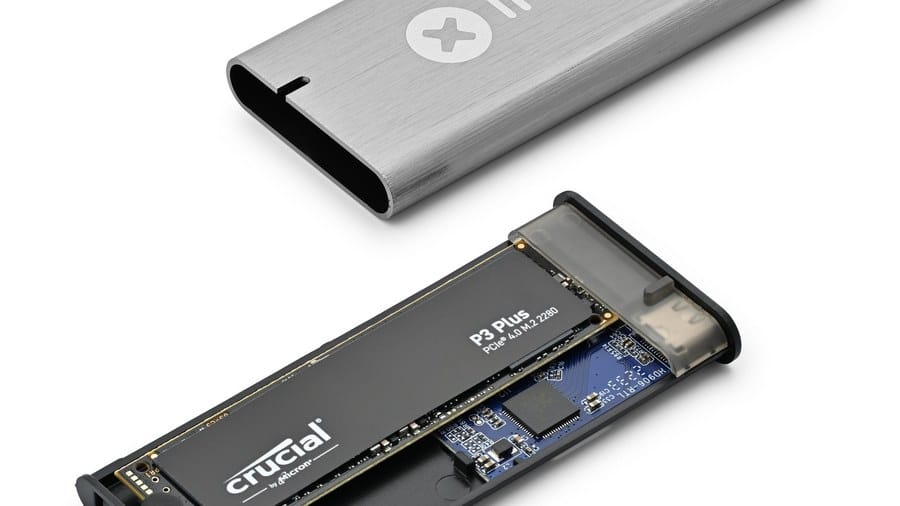
When upgrading an office PC, an internal SSD as the boot drive transforms boot and app load times; keep the old HDD as secondary storage or retire it into an external enclosure for backup only. Do not rely on a single external drive that lives permanently plugged into the same desk as the PC—theft, fire, or power surge can take both. Rotate media. Test restore once a quarter: open a few files from the backup so you know the copy is readable, not just a folder that finished copying with errors nobody noticed.
External hard drives for backups
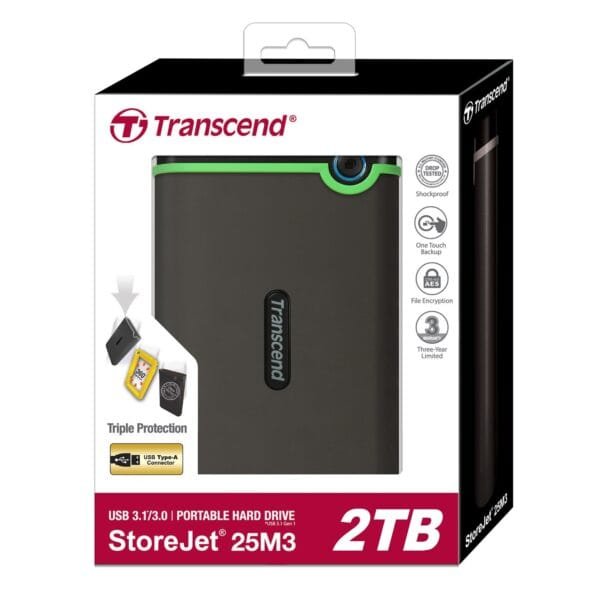
Transcend StoreJet 25M3 2TB USB 3.1 External Hard Drive
Original price was: KSh 20,000.00.KSh 11,400.00Current price is: KSh 11,400.00. ex VAT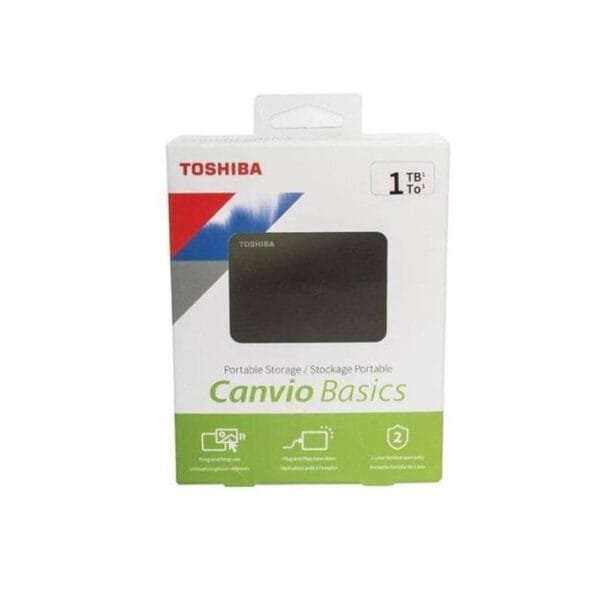
Toshiba Canvio Basics 1TB External HDD USB 3.2 Gen 1
Original price was: KSh 24,600.00.KSh 14,800.00Current price is: KSh 14,800.00. ex VAT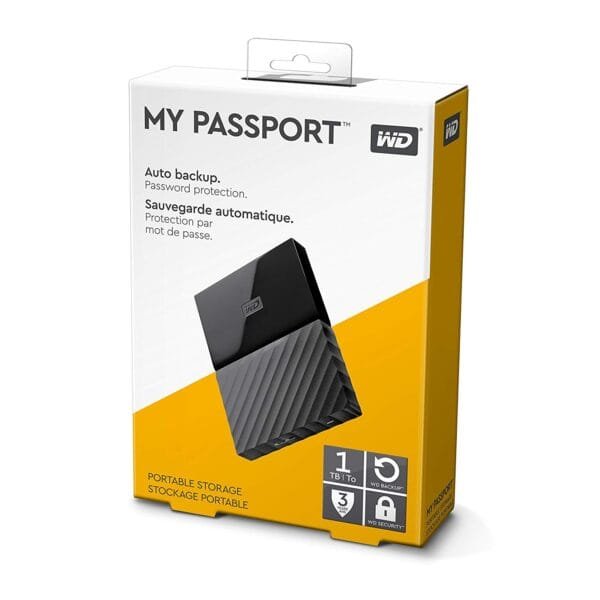
WD My Passport 1TB Portable External Hard Drive USB 3.2 Gen 1 Black
Original price was: KSh 12,000.00.KSh 8,500.00Current price is: KSh 8,500.00. ex VAT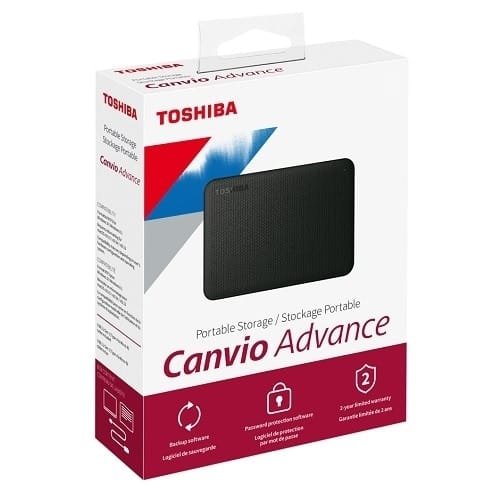
Toshiba Canvio Advance 2TB External Hard Drive USB 3.2
Original price was: KSh 12,000.00.KSh 10,900.00Current price is: KSh 10,900.00. ex VAT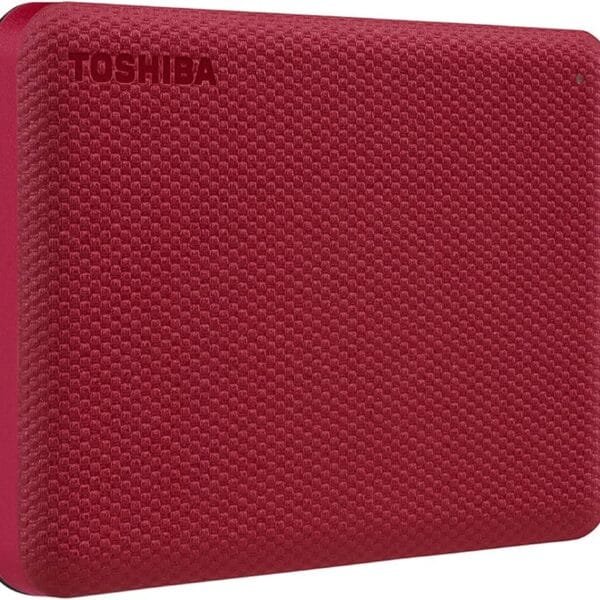
Toshiba Canvio Advance 2TB Portable External Hard Drive USB 3.2 Red
Original price was: KSh 13,000.00.KSh 11,500.00Current price is: KSh 11,500.00. ex VATBuy capacity with headroom—aim for at least double your current data size. Match HDD for bulk archives and SSD for speed and portability. Schedule backups on the calendar like any other office chore.
Shop external hard drives and SSDs at Litmus Kenya, or ask the team to size a simple two-drive backup kit for your office.









SSD for speed on the road, HDD for bulk archive. Both, not either/or.
And a second copy offsite. One drive on the desk is not a backup.
Dropped an HDD once. Never again for client deliverables — SSD only.
Weekly backup reminder on Friday afternoons. Simple but it works.
Automate it if you can. Humans forget when month-end hits.