


Free delivery in Nairobi CBD for orders of KES 20,000+. Otherwise, or outside the CBD, delivery starts from KES 300 — pay your chosen rider or courier on delivery.
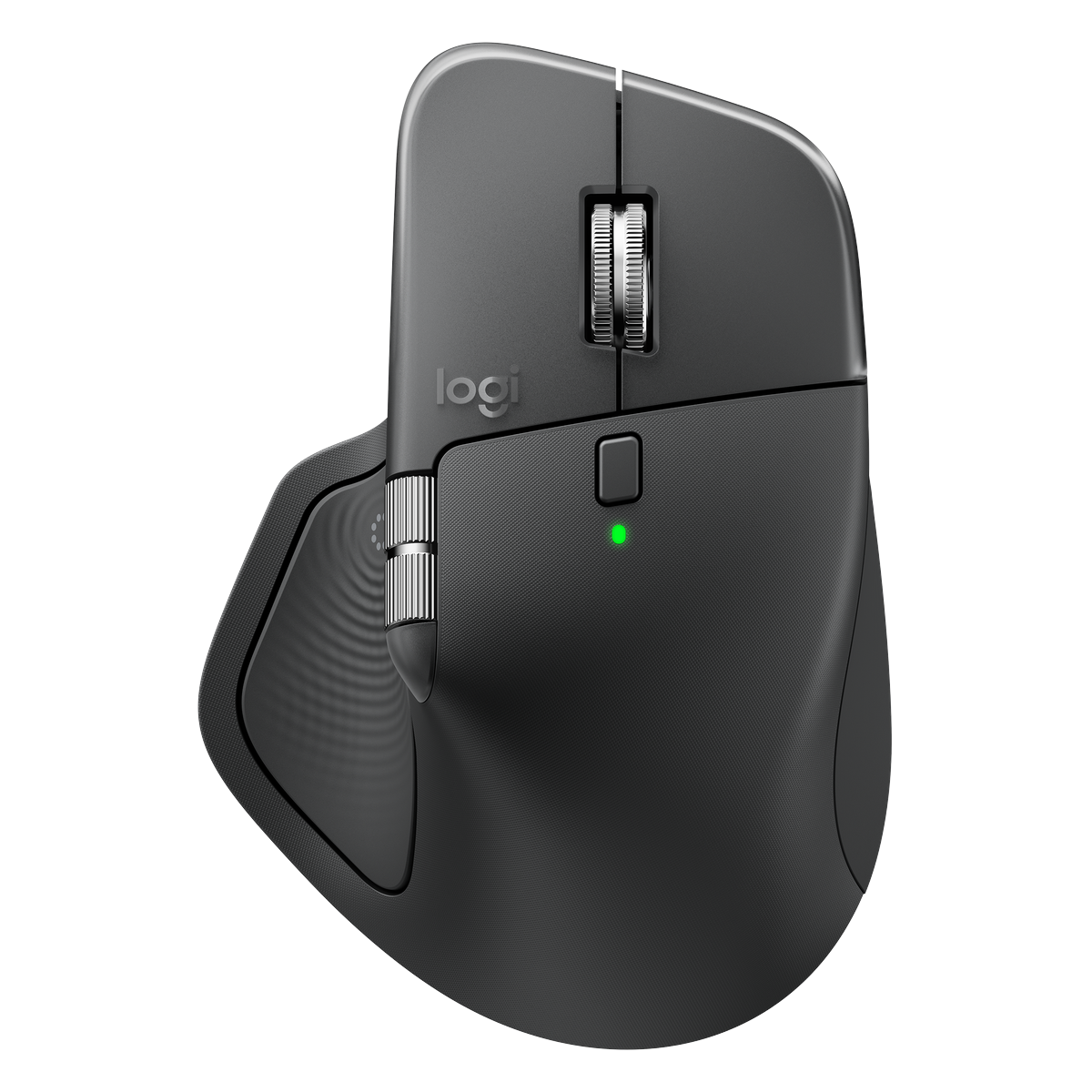
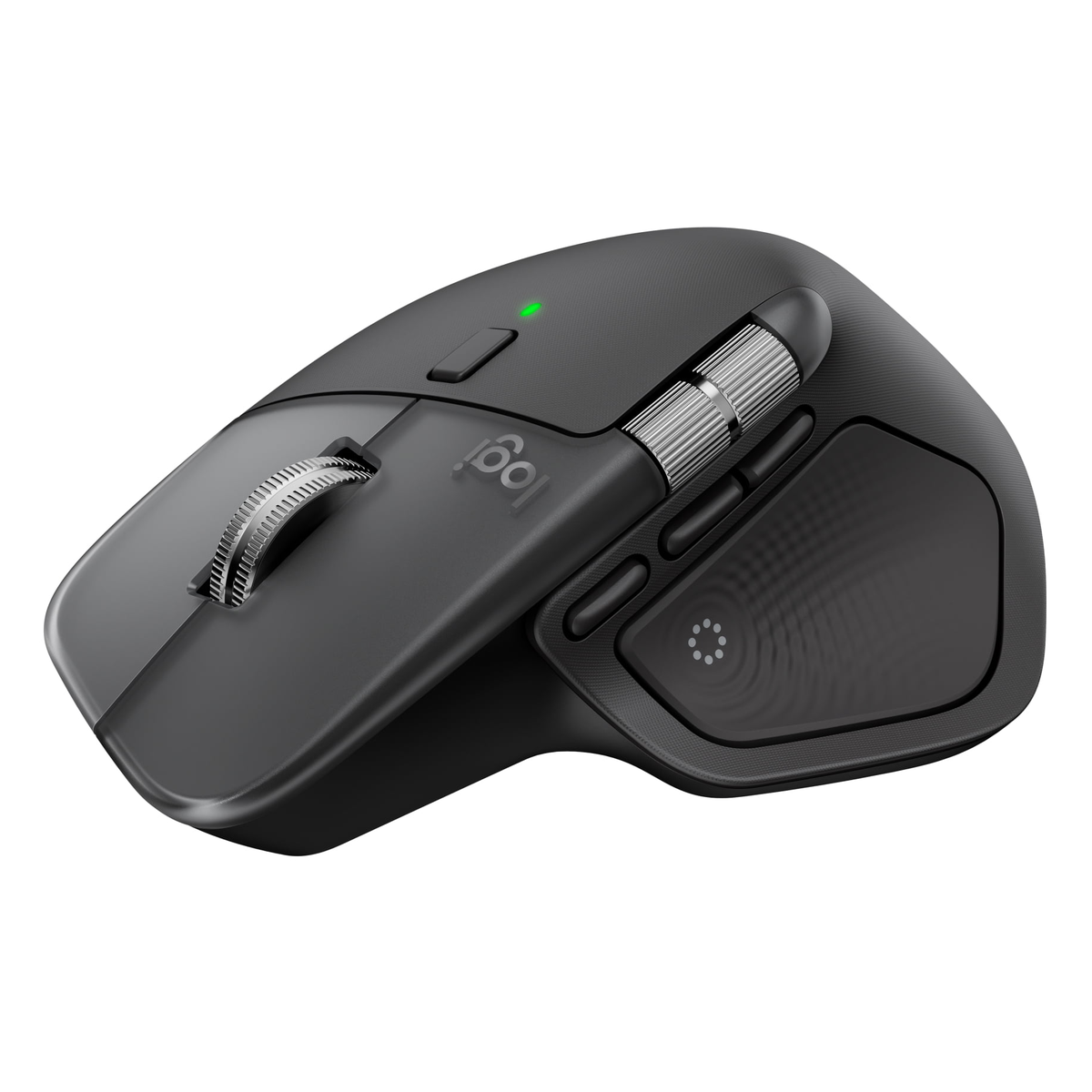
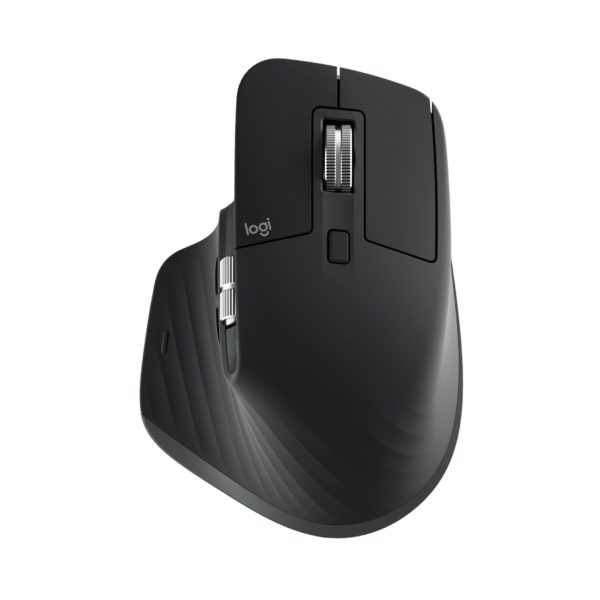
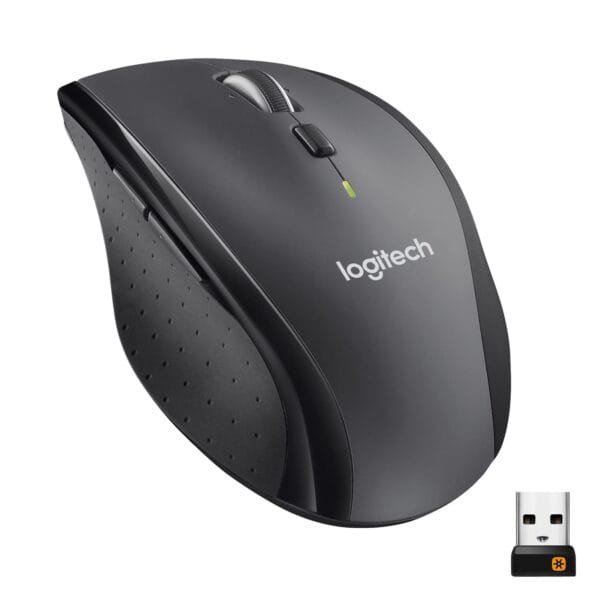
Logitech MX Master 4 Wireless Mouse Graphite
Original price was: KSh 21,000.00.KSh 16,800.00Current price is: KSh 16,800.00. ex VAT
Logitech MX Master 4 Wireless Mouse Graphite
| Connectivity | Bluetooth, Logitech Bolt |
| Sensor | Darkfield, up to 4000 DPI |
| Battery | Rechargeable USB-C |
| Color | Graphite |
Shipping & Delivery
Delivery

We deliver to the address you provide. Nairobi CBD is often same-day on business days.
Nairobi CBD or Kenya-wide
Free CBD ≥ KES 20,000; else from KES 300

Warranty 1 year

72-hour (3-day) returns

Description
MX Master 4 Mouse
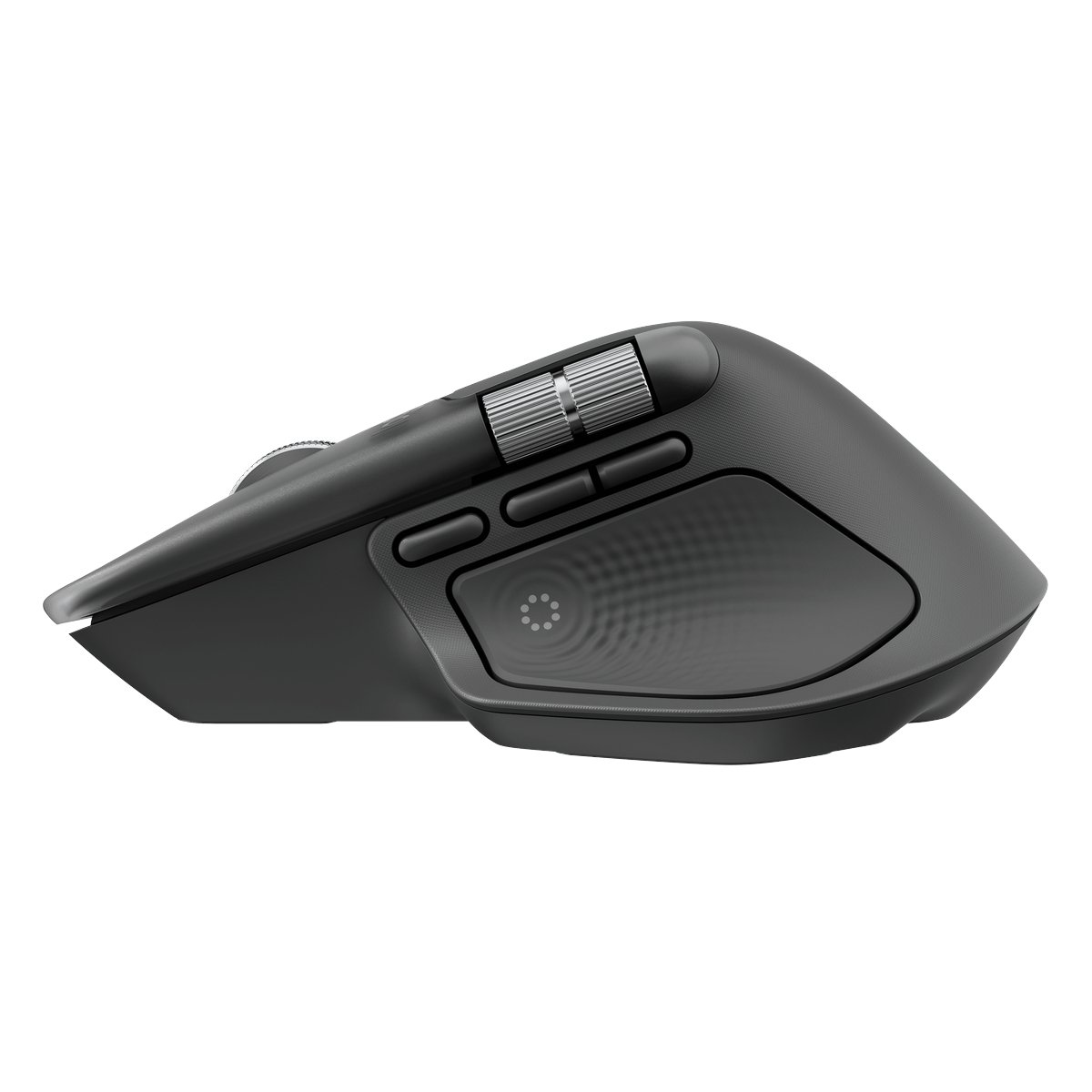
The Logitech MX Master 4 targets professionals who spend full workdays in design suites, spreadsheets, and development environments. It pairs Bluetooth Low Energy and Logitech Bolt wireless protocols so you can switch between a laptop, desktop, and tablet without swapping receivers. The graphite finish resists visible wear on shared executive desks and hot-desk stations. A high-resolution sensor tracks on glass and glossy surfaces that defeat basic optical mice during client presentations. The sculpted right-handed shell supports the palm and thumb through extended CAD and video editing sessions. A MagSpeed electromagnetic scroll wheel shifts between ratcheted lines and free-spin momentum for rapid log review. Side thumb buttons and a gesture button map to application shortcuts through Logi Options+ on supported operating systems. USB-C charging restores a full day of use after a short cable session at your desk hub. Multi-device pairing stores up to three host connections and switches with a button press under the chassis. Darkfield tracking technology reads surface texture at 4000 DPI for pixel-accurate selections on 4K panels. The thumb rest integrates a second horizontal scroll wheel for horizontal timeline navigation in creative tools. Quiet click mechanisms reduce open-office noise during video calls and focus blocks. Firmware updates through Logi Options+ deliver new gesture profiles without replacing hardware. The receiver stores in a magnetic pocket when you travel with only Bluetooth hosts. Battery status reports through the software tray on Windows and macOS before critical meetings start. Rubber side grips maintain control when hands perspire during long render jobs in warm server rooms. The weighted base prevents unintended movement when you lift and reposition the unit across large desks. IT teams deploy this SKU for architects, analysts, and engineers who reject basic two-button replacements. Compatibility spans Windows, macOS, Linux, iPadOS, and ChromeOS for hybrid fleets. The USB-C port accepts standard phone chargers already issued to mobile staff. Cursor speed adjusts per application profile so CAD and browser tabs feel tuned independently. Replacement feet and scroll tires are available through Logitech service channels for multi-year lifecycle planning.
Key Features
Dual Wireless Connectivity
Bluetooth and Logitech Bolt receiver support multi-host workflows without dongle swaps.MagSpeed Scroll Wheel
Electromagnetic wheel toggles between precise ratchet steps and high-speed free spin.Ergonomic Right-Handed Shell
- Sculpted palm and thumb support
- Secondary thumb scroll wheel
- Programmable side and gesture buttons
USB-C Rechargeable Battery
Quick charging over USB-C keeps the mouse ready for full-shift use without disposable cells.
Specifications
| Feature | Specification |
|---|---|
| Model | MX Master 4 |
| Color | Graphite |
| Connectivity | Bluetooth Low Energy, Logitech Bolt USB receiver |
| Sensor | Darkfield high-precision optical, up to 4000 DPI |
| Scroll | MagSpeed electromagnetic wheel, thumb wheel |
| Battery | Rechargeable Li-Po, USB-C charging |
| Multi-Host | Up to 3 paired devices |
| Compatibility | Windows, macOS, Linux, ChromeOS, iPadOS |
What’s in the Box
MX Master 4 mouse (graphite)
Logitech Bolt USB receiver
USB-C charging cable
User documentation
Why Choose MX Master 4
Combines multi-device wireless and ergonomic controls for demanding productivity roles.
Darkfield sensor tracks on glass conference tables without a mouse pad.
USB-C charging eliminates AA battery logistics across large creative teams.


Linet Chebet (verified owner) –
Switched from a basic office mouse to this for Excel and Teams calls. Bluetooth pairs fast with my Dell and the USB receiver backup is there when Wi-Fi is congested. Recharges in an afternoon and the graphite finish still looks clean after a month.
Daniel Kimani (verified owner) –
MX Master 4 in graphite is a beast for design work. The thumb wheel and ergonomics are worth it if you stare at a screen all day.
Victor Omondi (verified owner) –
Comfortable shape for long editing sessions. Side buttons took a day to map in Logi Options but now they save real time. Slightly heavier than my old mouse, which I actually prefer.